
NEW!VocRide 2Lite + Pro
VocRide 2.
Tame louder harmonic moments.
Free pitch-following vocal EQ in Lite. Pro adds independent band dynamics to control loud moments without applying the same cut to the whole phrase.
Free pitch-following vocal EQ in Lite. Pro adds independent band dynamics to control loud moments without applying the same cut to the whole phrase.
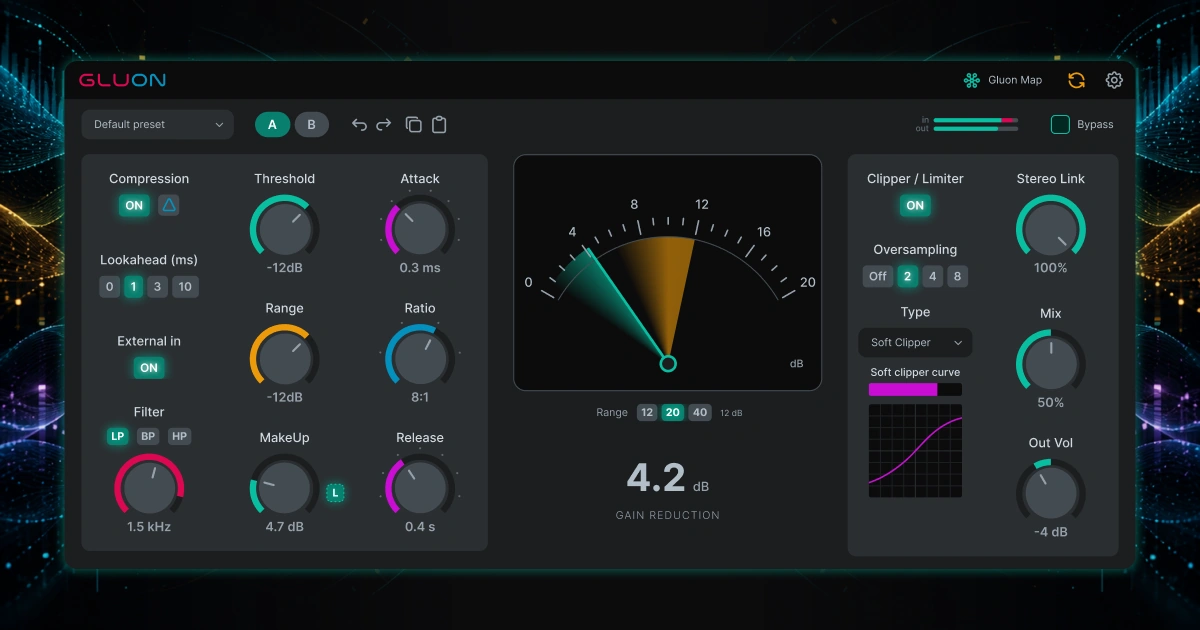
Free bus compressor · Gluon Map · v1.1.0
Learn more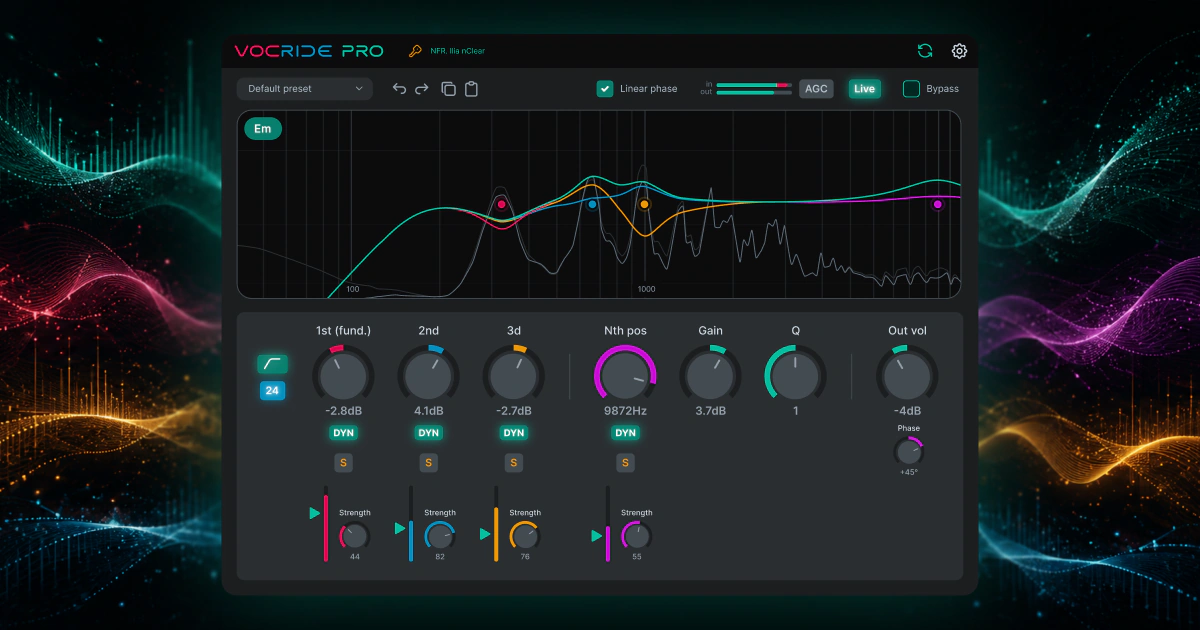
Free harmonic EQ · Pro band dynamics · v2.0.0
Learn more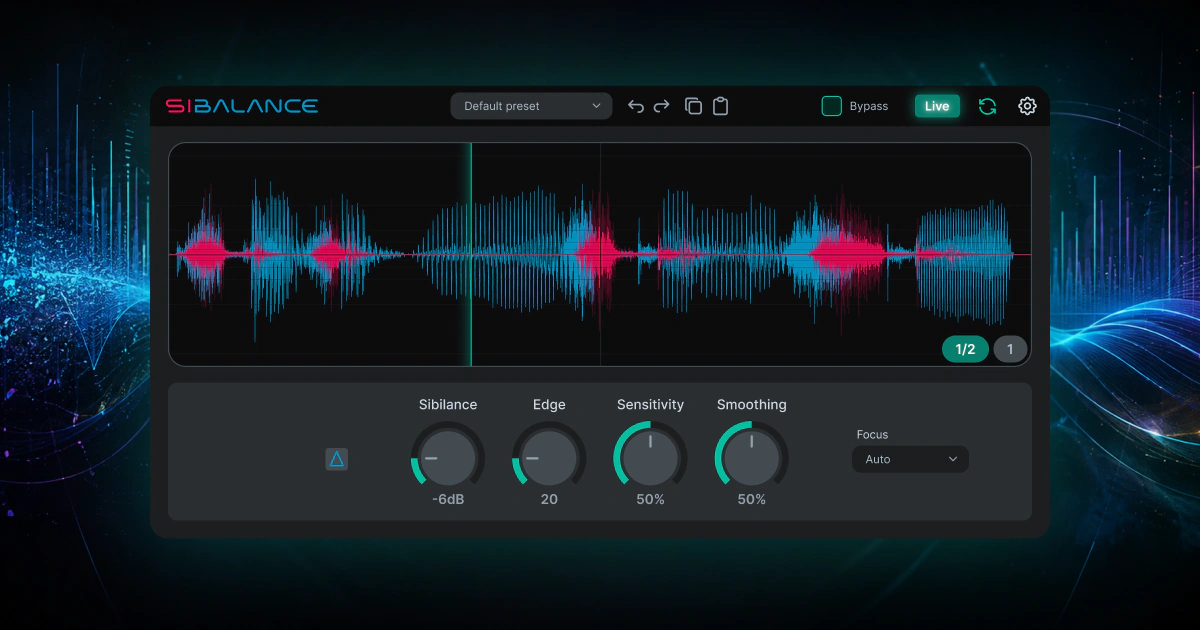
De-esser and sibilance shaper · v1.2.2
Learn moreThe nClear Audio Standard
Audio software should be dependable, portable, honest, and stay out of your way. That means no mandatory software managers, no always-online licensing, no broken old sessions, and no louder-is-better tricks.
No mandatory manager. Download and install nClear Audio plugins individually. Any future helper app remains optional.
No always-online DRM. Once activated, your plugins must remain usable without an internet connection.
Updates must not silently change the sound of existing sessions. If compatibility cannot be preserved, it becomes a separate major version instead of replacing the old plugin.
Plugin states and user presets are portable. Copy settings, move presets, back them up, and restore them on another computer.
Don't trust louder. nClear Audio effects provide proper A/B or bypass workflows, with gain matching where it matters.
Scalable interfaces and internal quality controls are part of the product, not afterthoughts. Processors that benefit from oversampling expose it directly.