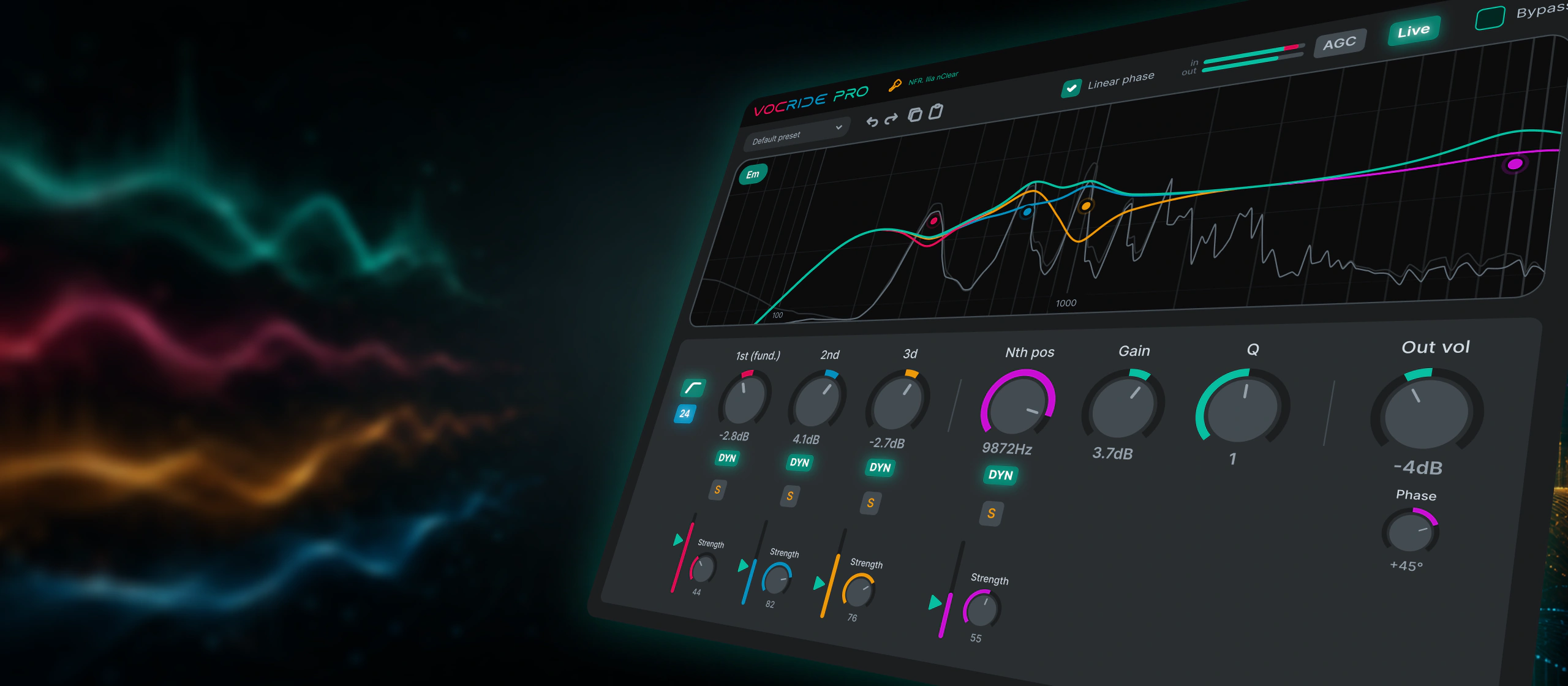
VocRide 2Lite + Pro
Tame vocal harmonics.
Only when they get too loud.
Pitch-following vocal EQ. Pro adds independent dynamics to each band, so you can control loud moments without applying the same cut to the whole phrase.
30-minute Pro Preview inside the plugin.
Current version: 2.0.0 macOS Universal Windows x64 Linux x64 More tech info…
Harmonic DYN · Pro
The right band. The right moment.
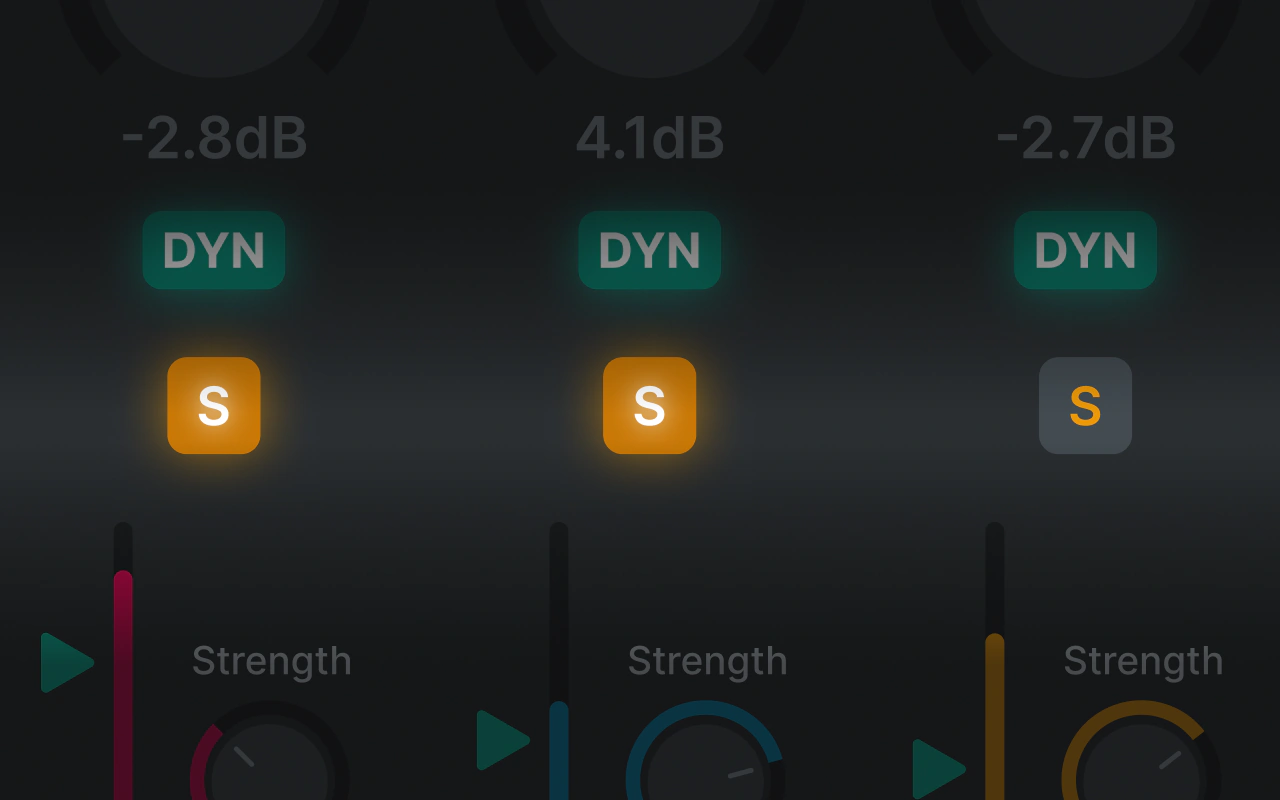
A vocal phrase can sound balanced until one word makes the second or third harmonic jump out. A constant EQ cut also changes the parts you wanted to keep. Harmonic DYN lets each band respond to its own level while following the note.
- Independent Threshold and Strength for each of the four bands.
- Pitch-following bands, with a fixed-frequency option for the fourth.
- See the static EQ curve and the additional dynamic reduction.
- Keep using Gain to shape the overall tone.
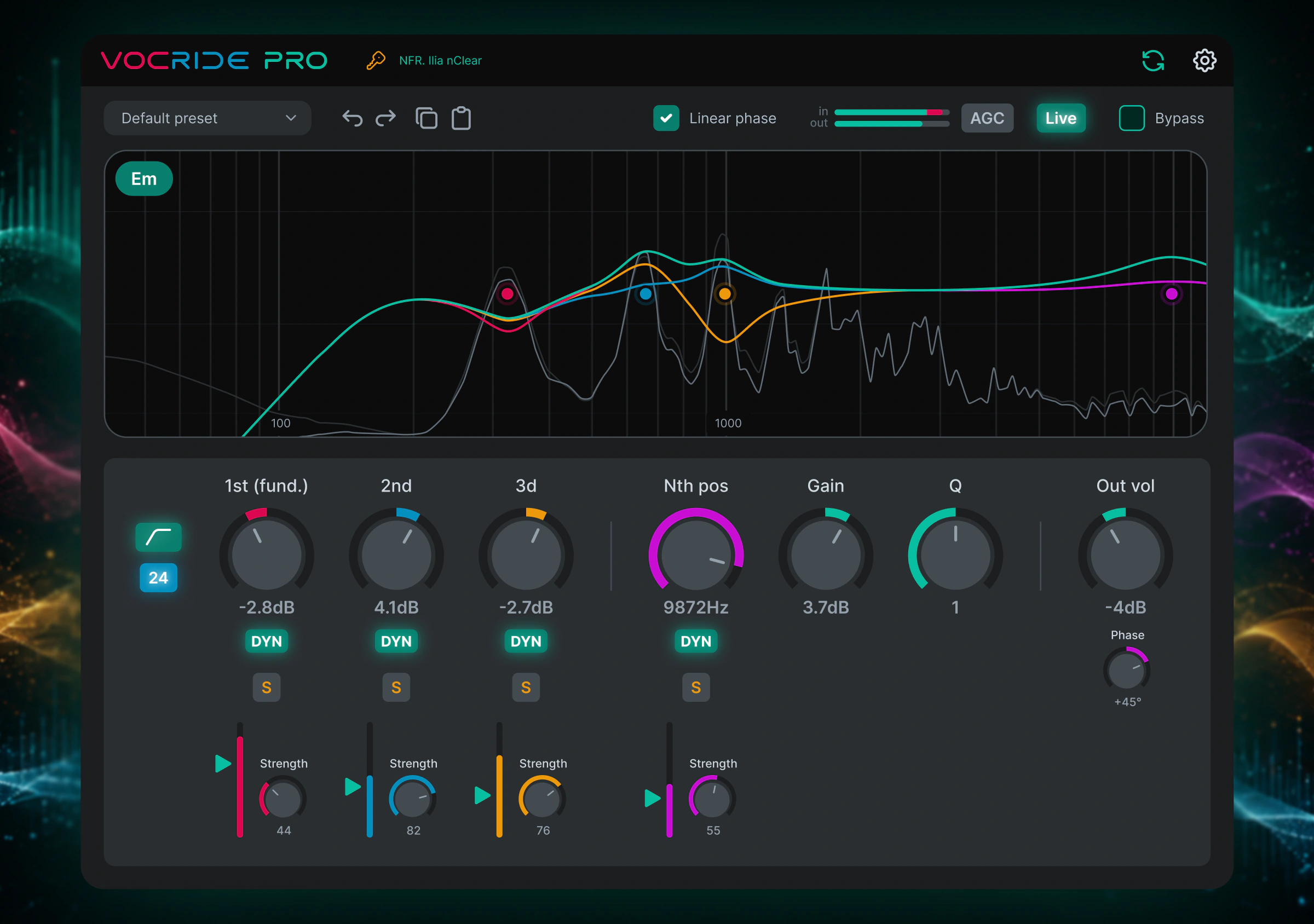
Video and interface
Hear Harmonic DYN in action.
Watch the vocal example, then try the Pro features on your own recordings.
Interface
VocRide 1 launch video
Lite and Pro
Free harmonic EQ. Pro harmonic dynamics.
Start a 30-minute Pro Preview once per rolling 24 hours, try every Pro feature in your own projects, and decide whether Pro fits your workflow.
VocRide 2 Lite
$0freeShape the vocal with pitch-following EQ.
- Pitch-aware four-band harmonic EQ
- Current Note display
- Low Cut below the detected fundamental
- Automatic Gain Compensation
- Latency modes, presets, scaling, and themes
Available for macOS, Windows, and Linux. Download for $0 or Choose Your Price.
VocRide 2 Pro
$39one timeAdd independent dynamics to each harmonic band.
- Everything in Lite
- Harmonic DYN: independent Threshold and Strength for each of the four bands
- Harmonic Solo on all four bands
- Linear Phase mode with Phase Rotation
- Online and offline activation
- Up to three active computers for one licensed user
Perpetual licence for all VocRide 2.x versions. No subscription.
Lite and Pro are the same plugin. Choosing a price for Lite does not change its features or unlock Pro.
Supporting features
More ways to shape the voice.
Pro — Harmonic Solo
Hear the bands you want to adjust.
Listen to one or several harmonic bands after EQ and dynamics to hear how your settings affect them.
- Solo any of the four bands, separately or together
- Works with DYN on or off
- Hear the processed bands, not the removed signal
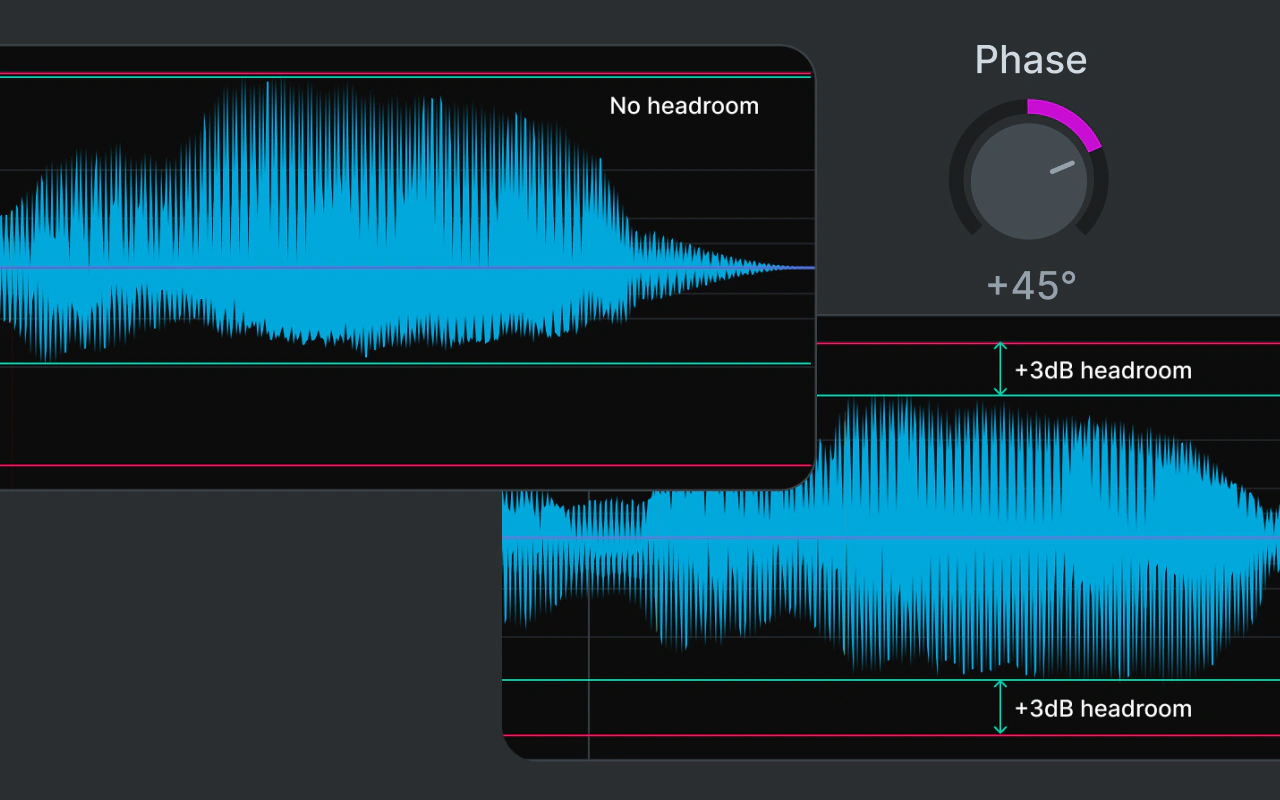
Pro — Linear Phase + Phase Rotation
Choose phase behaviour by ear.
Linear Phase processes the Low Cut, harmonic EQ and dynamics together. It adds latency and may cause pre-ringing on sharp consonants; Live Mode turns it off. Within Linear Phase, Phase Rotation from −90° to +90° can reduce asymmetric peaks on suitable material.
- Phase Rotation adds no latency beyond Linear Phase
- Uses the same angle for the left and right channels
- Listen and watch the peaks; extra headroom is not guaranteed
- When inactive, the control is disabled but its saved angle is preserved
Lite + Pro — Pitch-aware tracking
Pitch-following EQ in Lite.
The detector follows the vocal fundamental so the EQ movement stays connected to the actual note.
The first three bands follow the harmonics; the fourth can follow another harmonic or stay at a fixed frequency.
Lite + Pro — Harmonics gain
Harmonics gain.
Ride the weight of the sung note with one focused control instead of hunting frequency points.
Why only four bands?
Focused on the first three harmonics, with a flexible fourth band for another harmonic or a fixed frequency.
Lite + Pro — Current Note
The detected pitch stays visible.
Current Note keeps the detected pitch on screen while the harmonic bands move with the singer. Included in Lite, Preview, and Pro.
- Available in every tier
- Confirms tracking at a glance
- Low Cut follows below the fundamental
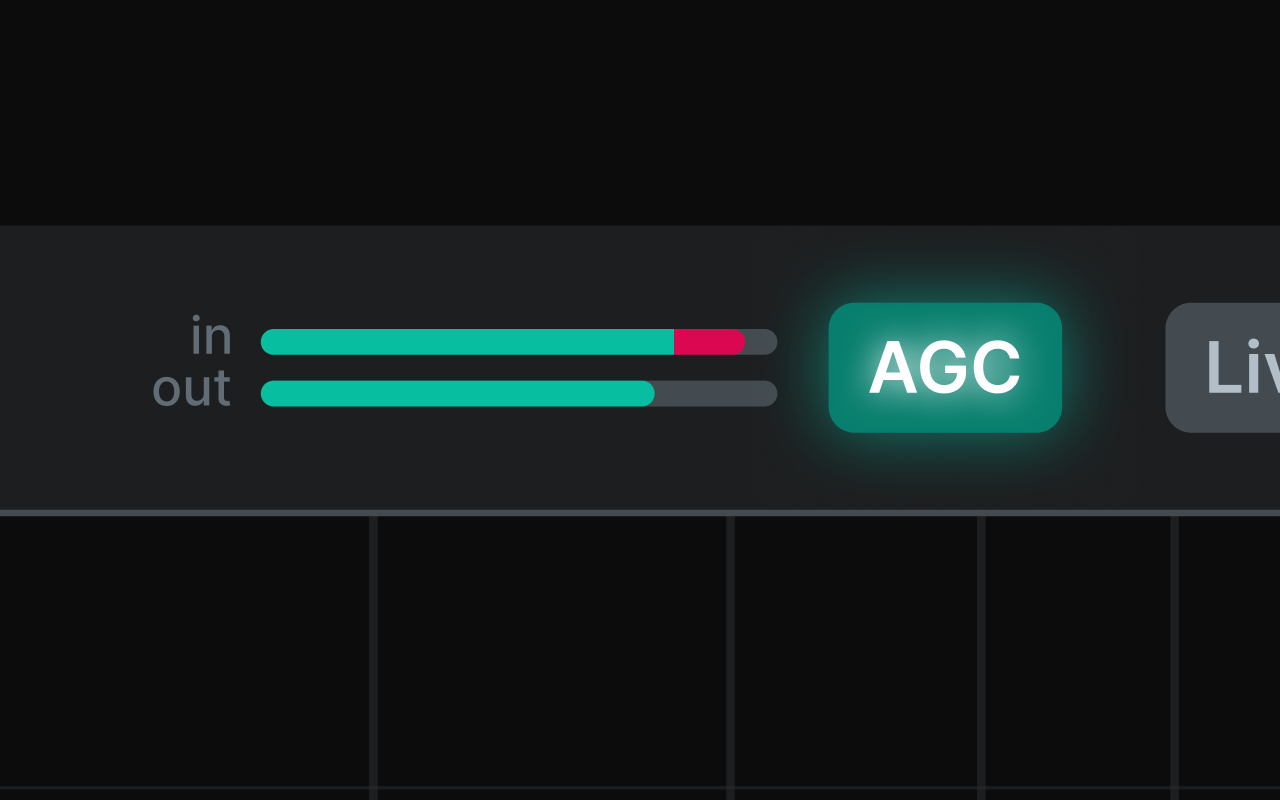
Lite + Pro — Automatic Gain Compensation
Automatic Gain Compensation.
AGC evens out the level so the processed vocal stays closer to the original loudness while you shape the harmonics.
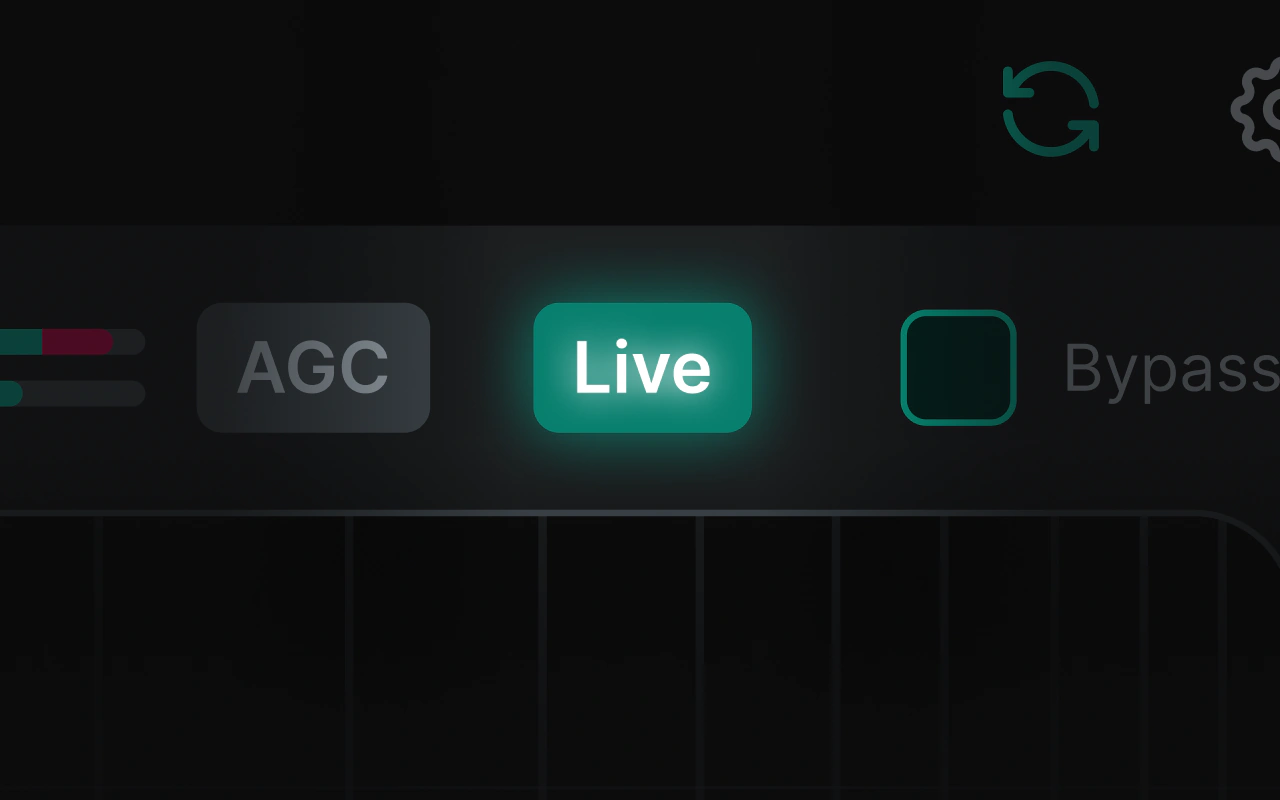
Lite + Pro — Live Mode
Live Mode.
A very low-latency mode for live performance and real-time monitoring, using a lighter processing path that stays practical on stage.
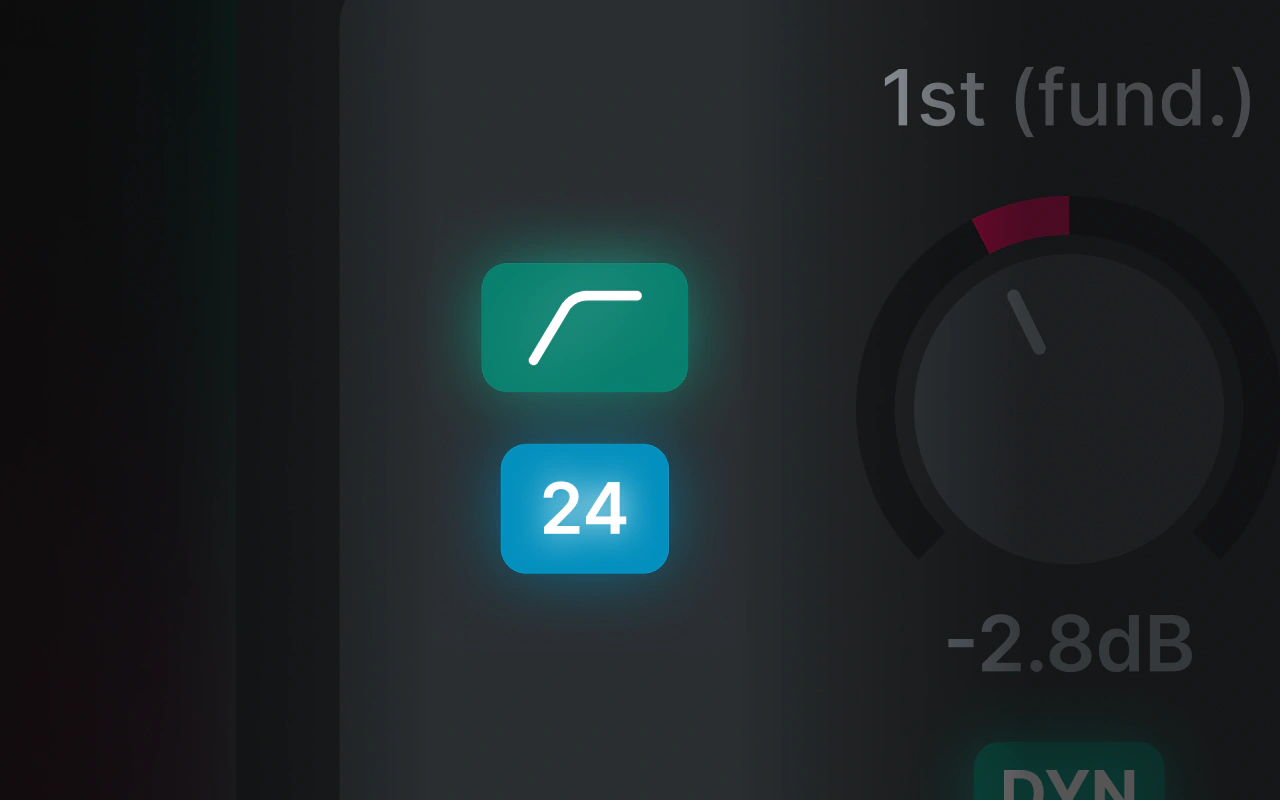
Lite + Pro — LowCut
LowCut.
Cut rumble below the detected fundamental with musical 12, 24, or 48 dB/oct slopes that follow the vocal.
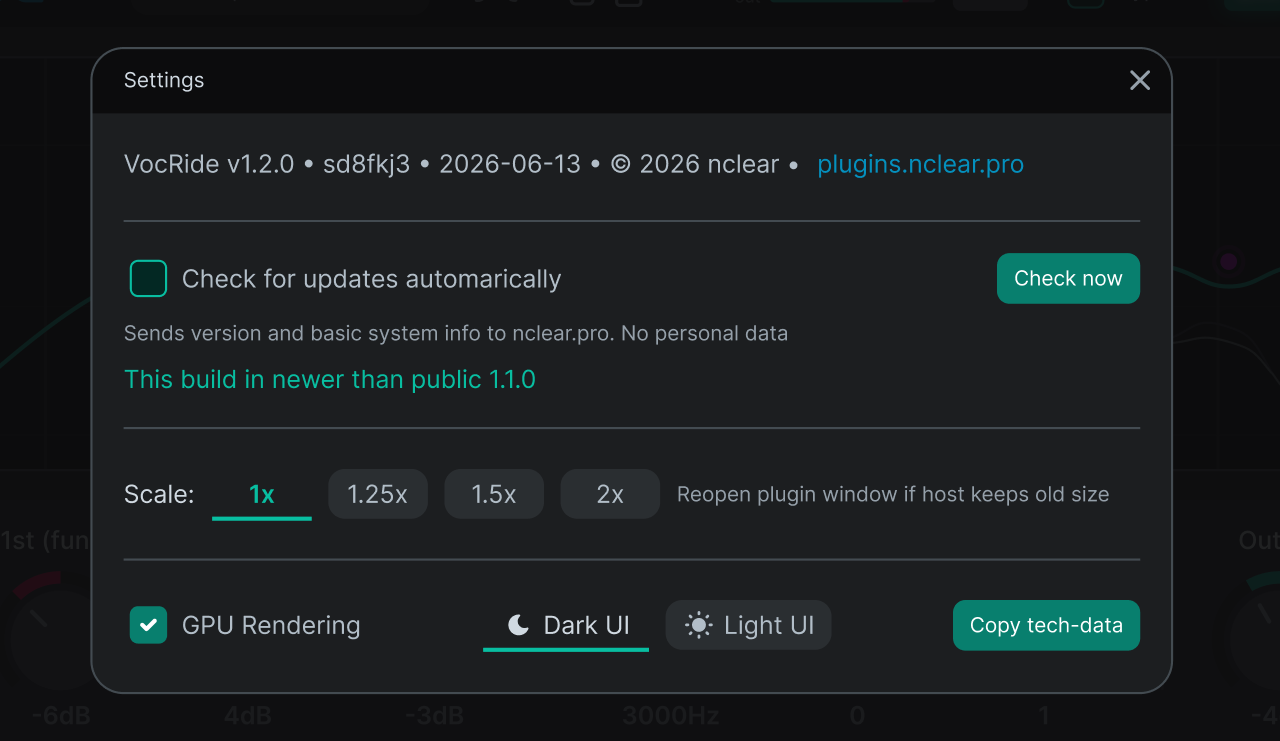
Lite + Pro — Settings
Your interface, your working environment.
Adjust VocRide 2 for the display, room, and update workflow you use every day.
- Factory and user presets, Undo/Redo and Copy/Paste Settings
- UI Scaling for comfortable viewing
- Dark and Light interface themes
- Manual or optional automatic update checks
Interface
See it at full size.
Compatibility
Technical information.
- Version
- 2.0.0
- macOS Universal
- Intel macOS 10.13+ · Apple Silicon macOS 11.0+ (27 not tested) · VST3, AU, CLAP
- Windows x64
- Windows 10/11 x64 · VST3, CLAP
- Linux x64
- Current mainstream distributions · Ubuntu 24.04 LTS launch baseline · VST3, LV2, CLAP
- Licence
- Lite free · Pro perpetual 2.x
Release notes
Changelog.
v2.0.0
- Introduced VocRide 2 as a separate major version that installs alongside VocRide 1.
- Added the free Lite edition with the core four-band pitch-following harmonic EQ workflow.
- Added a 30-minute Pro Preview, available once per rolling 24 hours.
- Added Harmonic DYN for independent dynamic control of each harmonic band.
- Added Harmonic Solo for monitoring each processed harmonic band individually.
- Added Current Note display to Lite, Preview, and Pro.
- Added Linear Phase processing for the Low Cut and harmonic bands, including Phase Rotation from −90° to +90°.
- Added manual import of VocRide 1 user presets. DAW projects and automation are not migrated.
- Improved colour consistency in Dark and Light themes.
Previous major
Looking for VocRide 1?
VocRide 1 remains a separate free plugin for existing projects and installs alongside VocRide 2.