nClear Audio
Account
Gluon
NewWhat’s new in Update 1.2

Classic bus compression. Modern control.

Bring a mix together, give drums more punch, or blend in a little extra density. An independent take on British console bus compression, with connected control across your Gluon instances.

See it in action

Free to use. No activation. No paid feature locks.

Type
Bus compressor
Price
Free
Version
1.2.1
Systems
macOS · Windows · Linux
Formats
VST3 · AU · CLAP · LV2
Channels
Mono / stereo · ext. sidechain
  1. Mix bus

    Bring the pieces together.

  2. Drum bus

    Punch, density and movement.

  3. Parallel compression

    Blend in as much as you need.

In action

See it. Hear it.

Watch the walkthrough, then start a loop and switch between the original, Gluon, and Gluon with the limiter.

Gluon: a free glue compressor that controls every instanceWatch the video
  1. Drums0:06 loop
  2. Sample-based bass0:06 loop
  3. Live Bass Special thanks to ShrammStorm0:12 loop

One loop, three versions. Playback stays in the same place when you switch.

What’s new in 1.2

Glue it. Colour it.

Watch the 1.2 update video
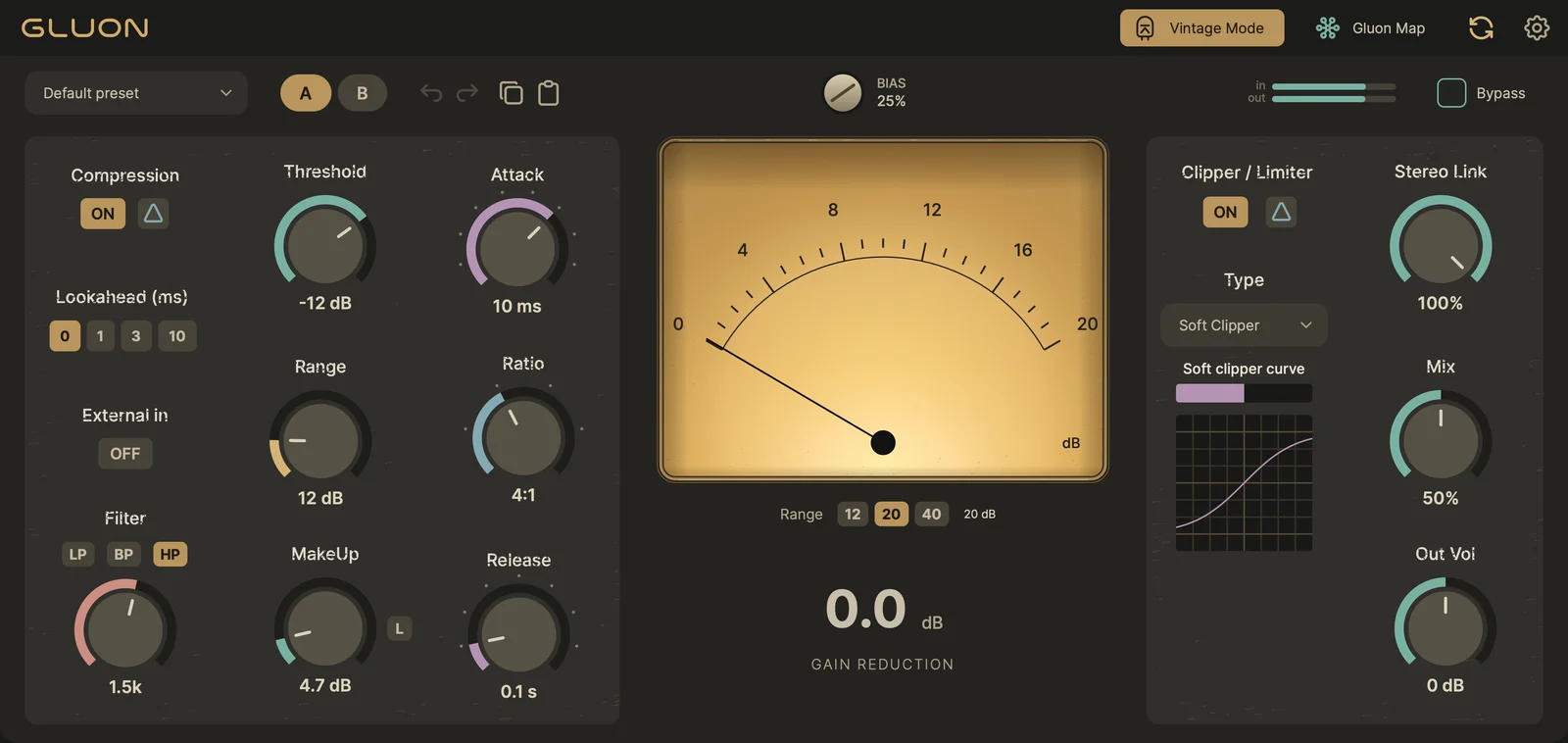
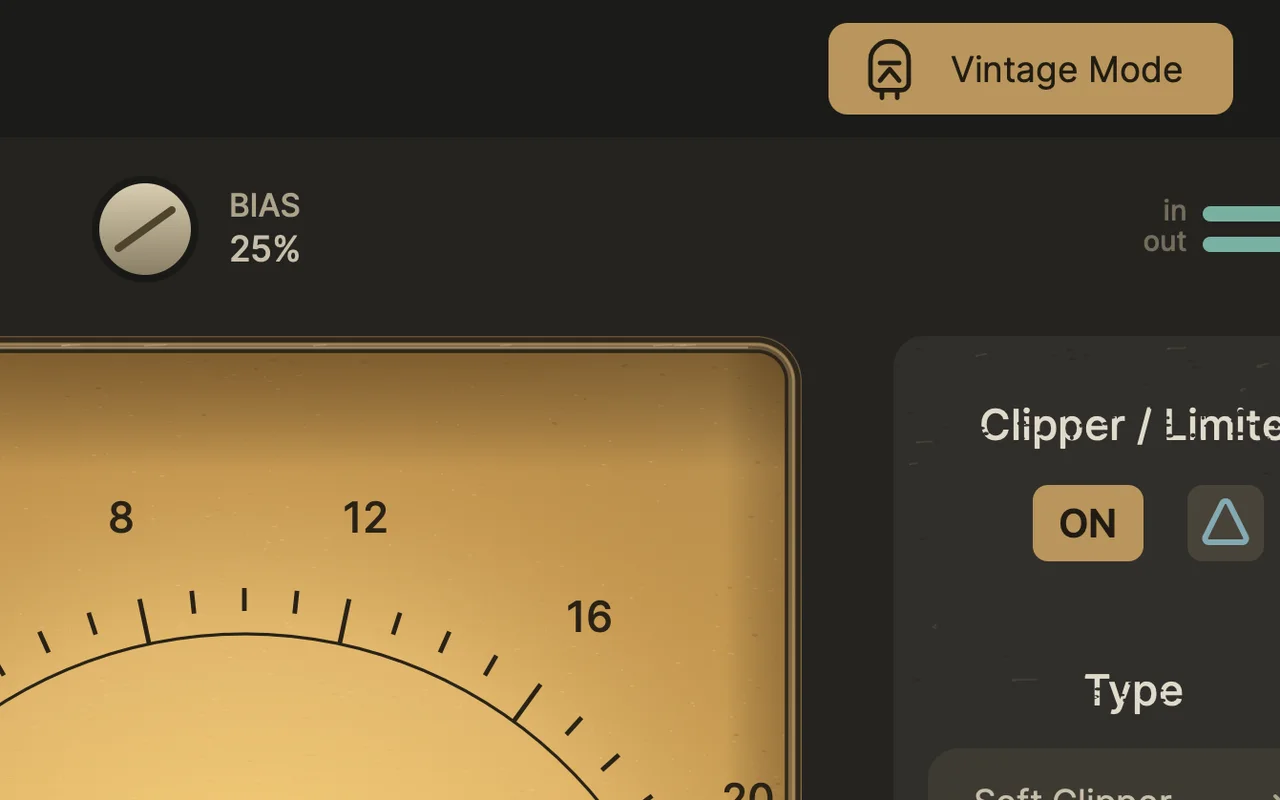
Gluon with Vintage Mode onGluon with Vintage Mode on

Vintage Mode

Switch on Vintage Mode and the compressor behaves more like a tube unit: the harder it works, the richer the colour. Loudness stays close to the original, so you hear the character, not just “louder”.

  • Its own colour model. Inspired by variable-mu tube compressors: the colour follows gain reduction, and the knee is wide and soft.
  • A fair comparison. Automatic loudness compensation keeps the level close to the original, so you can judge Vintage Mode on and off by ear.
  • A variable-mu knee. Compression starts a little earlier and the ratio rises gradually with level, so peaks are held more gently. Vintage works with Compression off too, as gentle colour.

Off by default: old projects sound exactly as before.

Bias

One knob from subtle warmth to dense, obvious saturation.

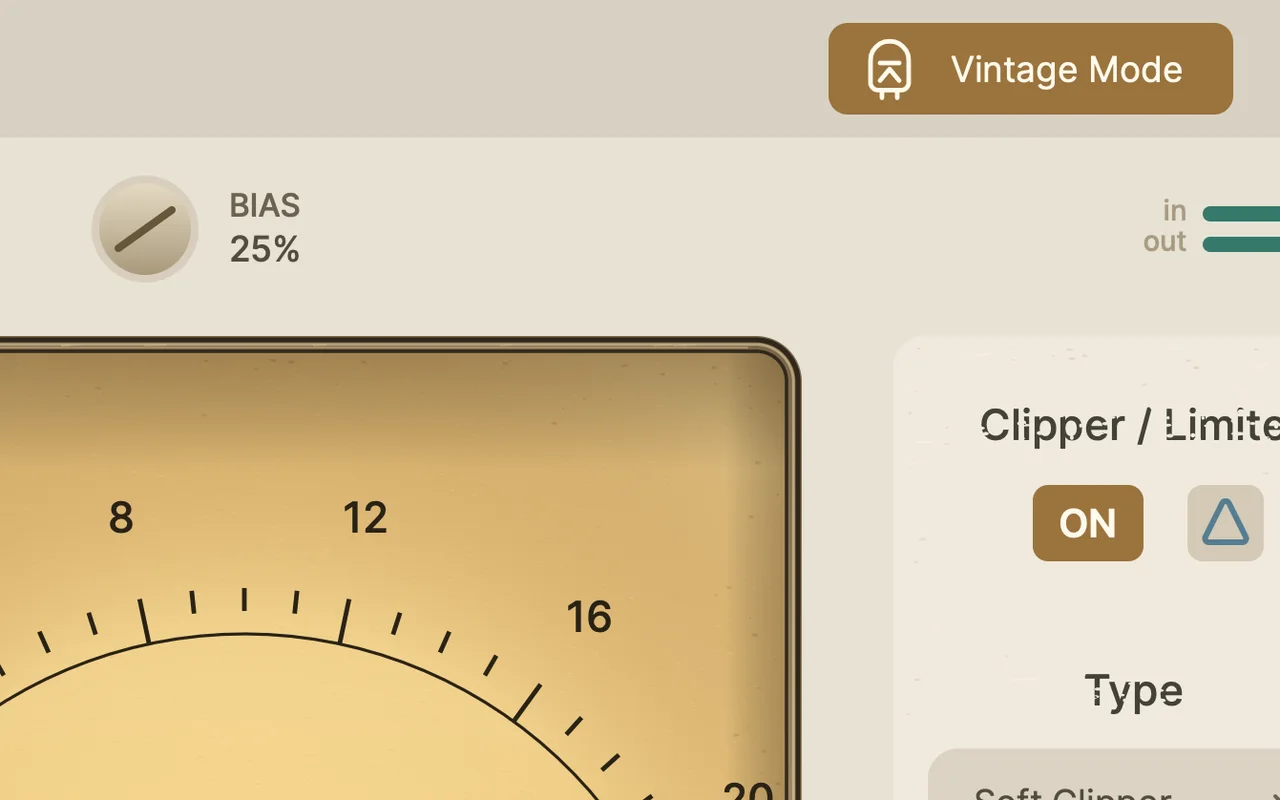
A look to match

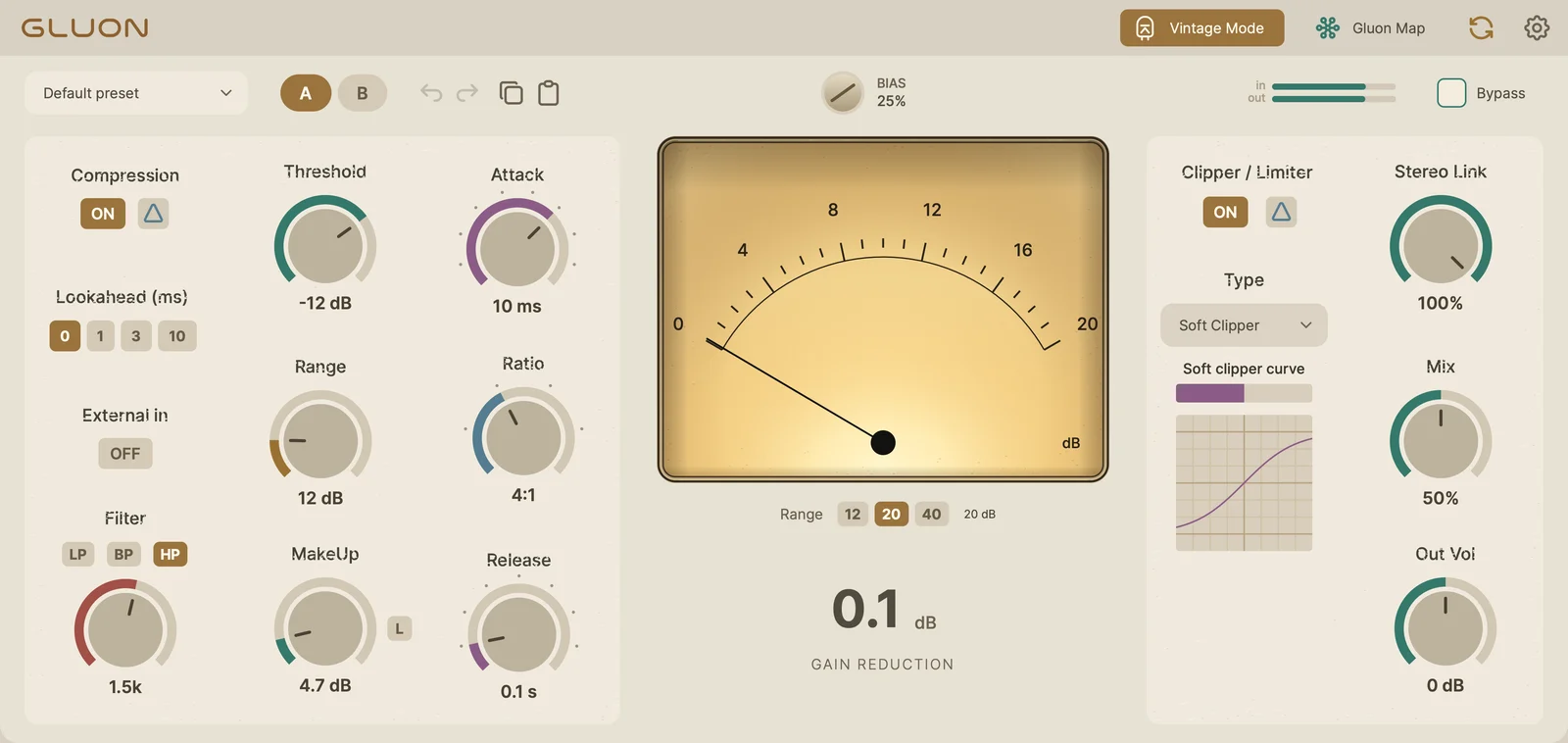
Warm panel, backlit paper VU and slightly worn lettering.

Output Delta

Hear only what the clipper or limiter changes.

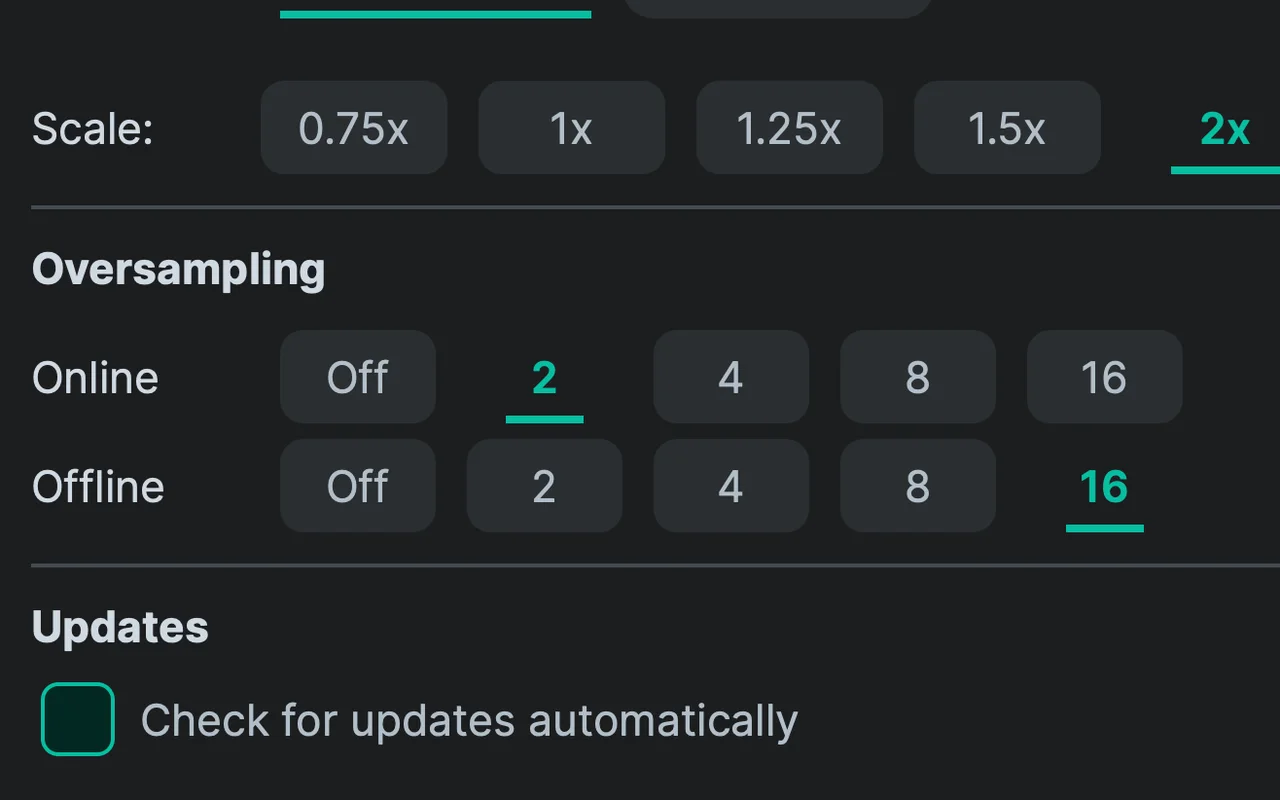
Online / Offline oversampling

Separate quality for playback and export, up to 16×.

Gluon Map · Inter-instance control

Your buses. One window.

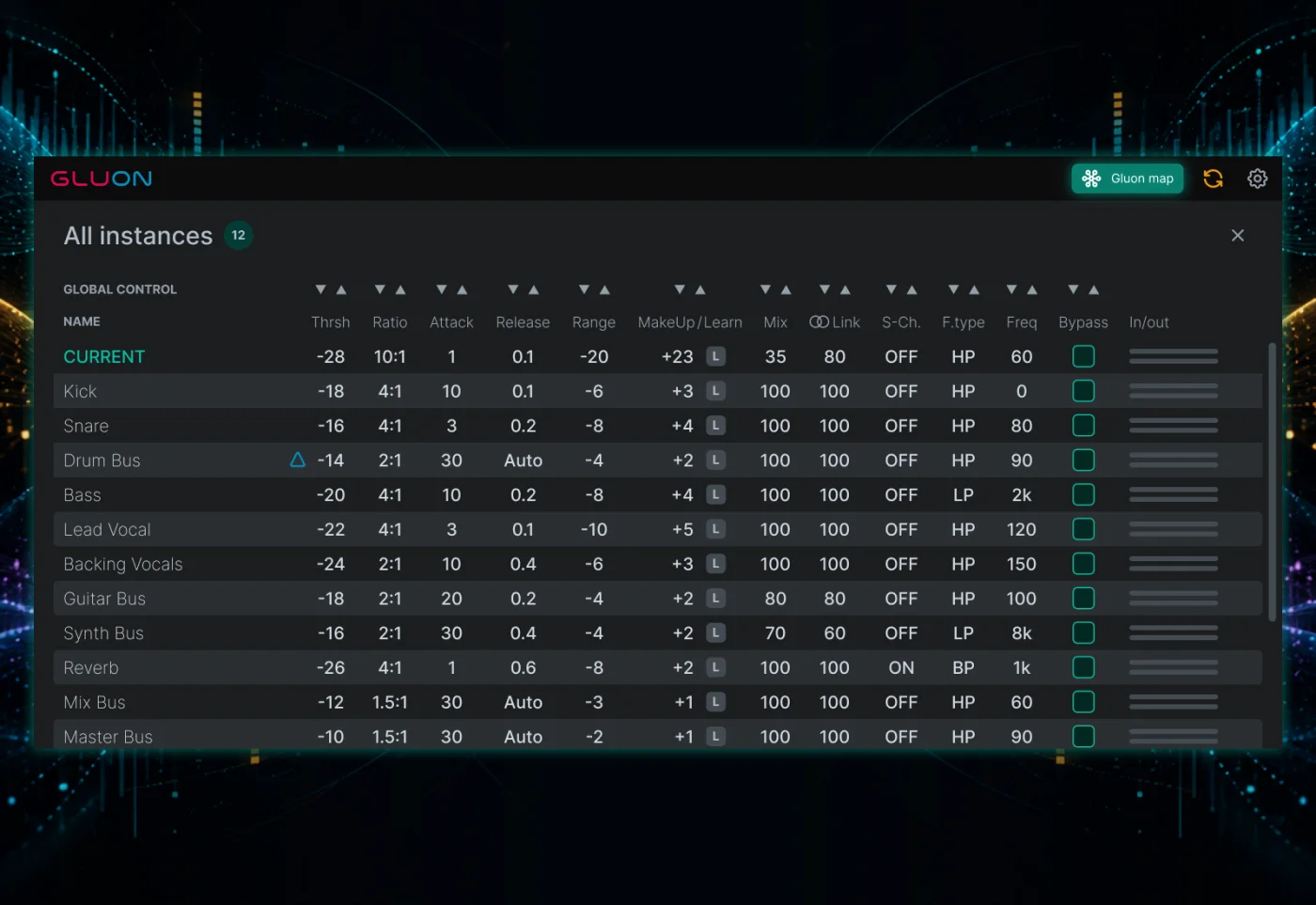
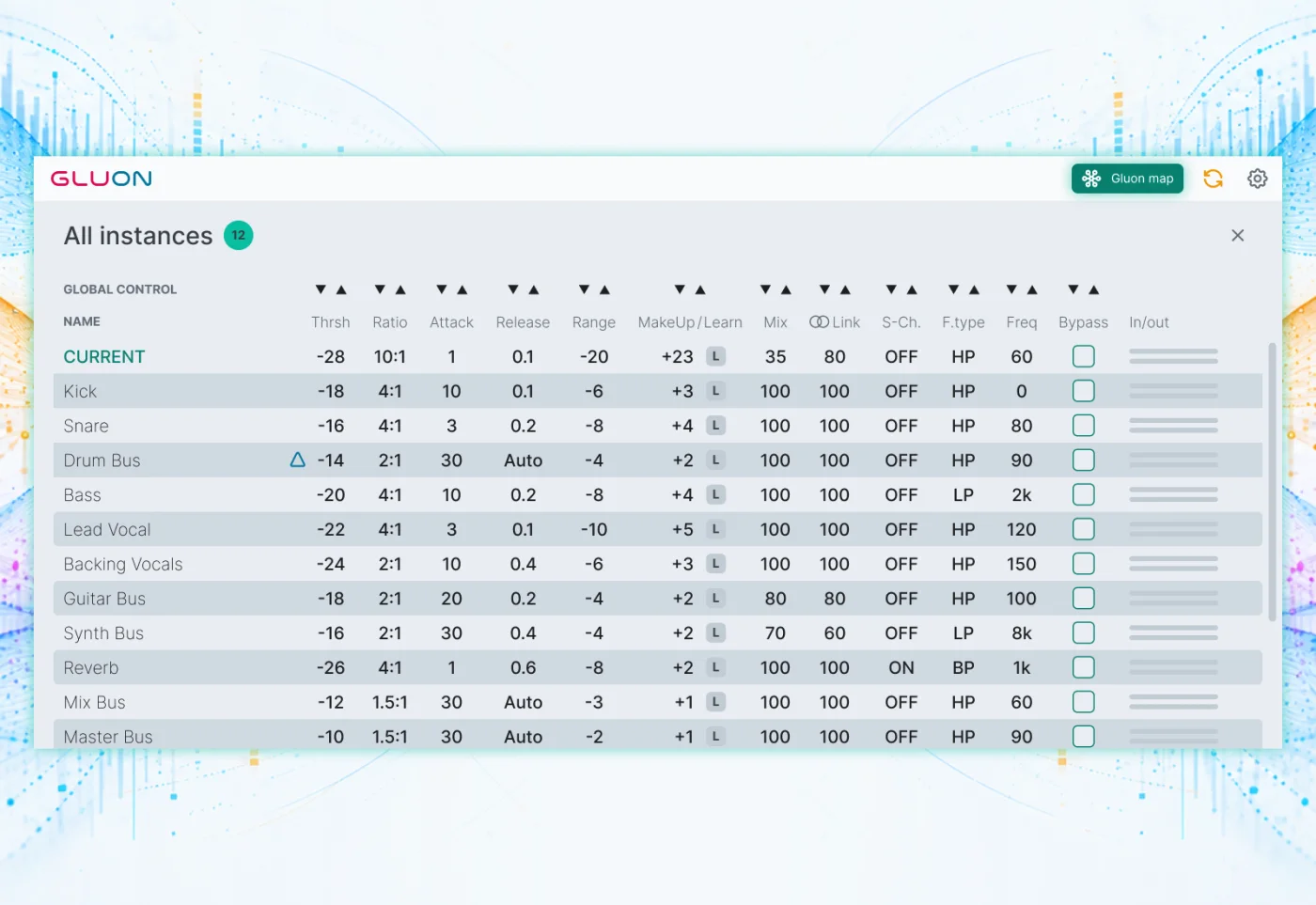
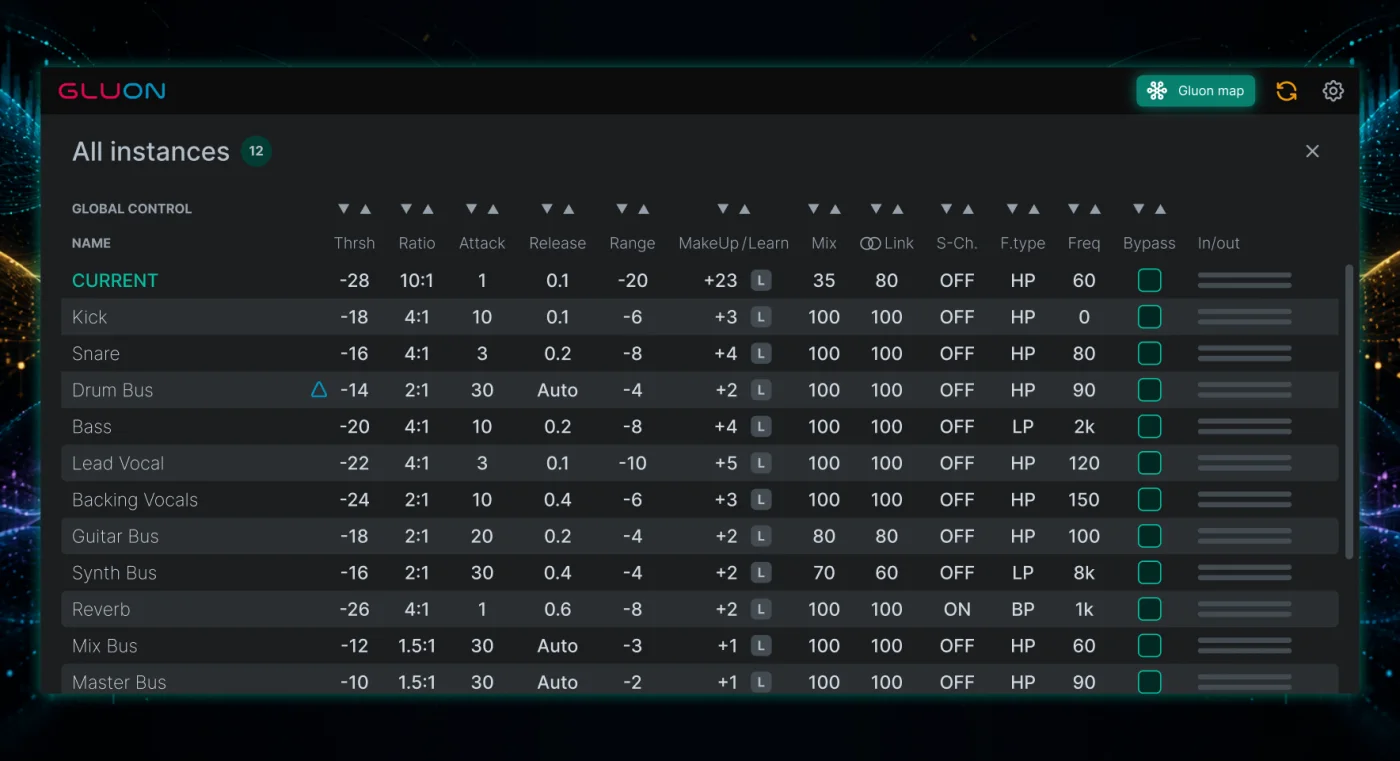
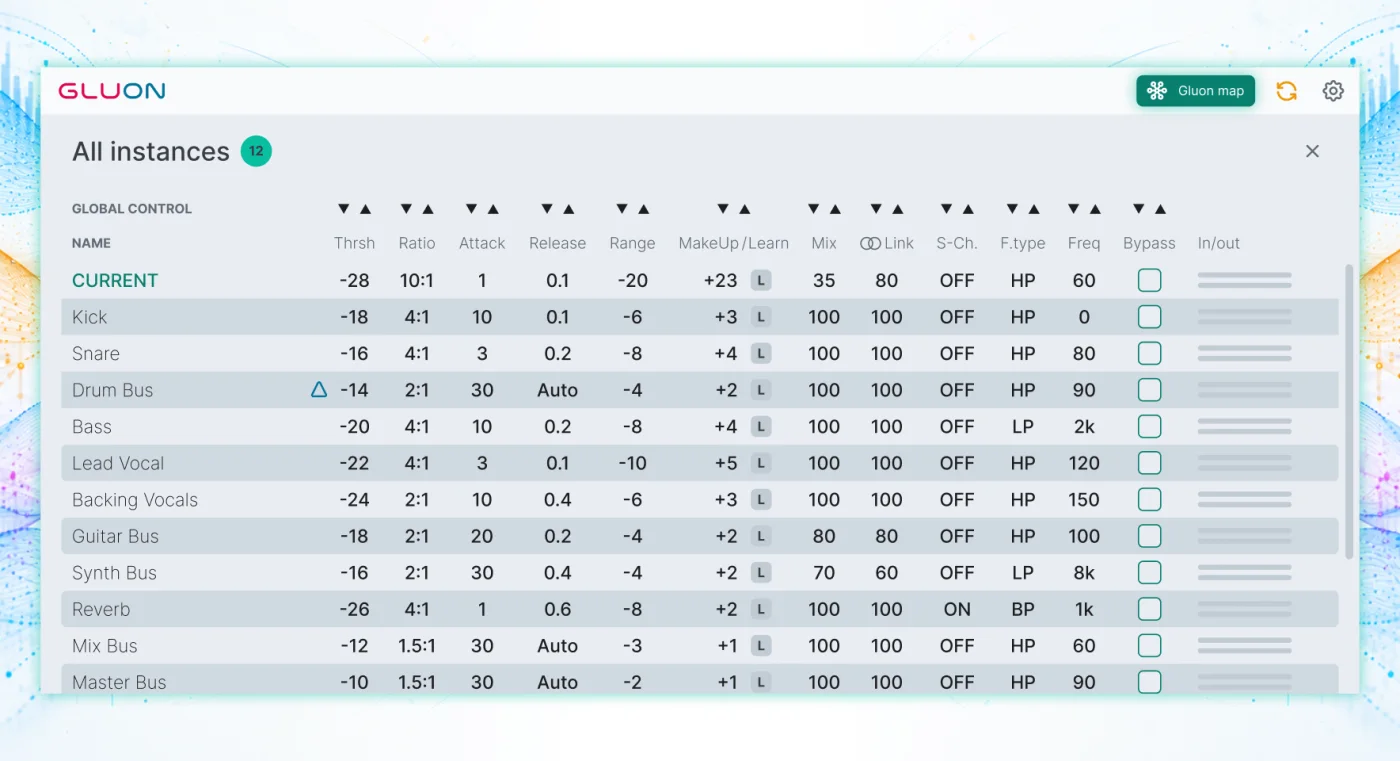
A Gluon on drums, another on synths, one on the mix bus. Open Map in any instance to see their settings and levels together, then make changes without opening every plugin window.

  • See the whole picture. Track names, input/output meters, compression settings and bypass in one table.
  • Reach another instance. Adjust its controls and start MakeUp Learn directly, even with its own window closed.
  • Move together. Global Control makes relative changes across instances: for example, lower every threshold by 1 dB in one step.

Discovery depends on your DAW’s plugin hosting. Compatibility details

Gluon Map: every instance in one tableGluon Map: every instance in one table

The controls you know

Familiar feel. More room to move.

Find the groove.

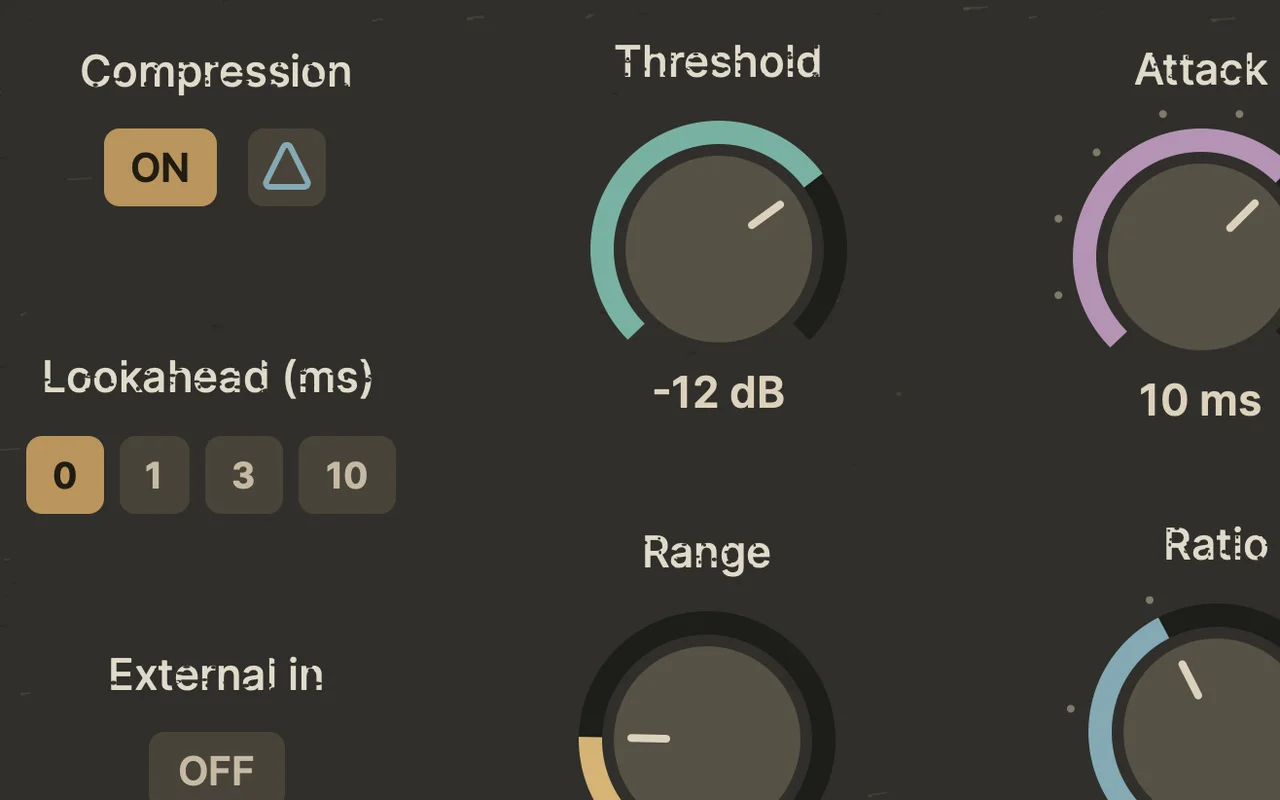
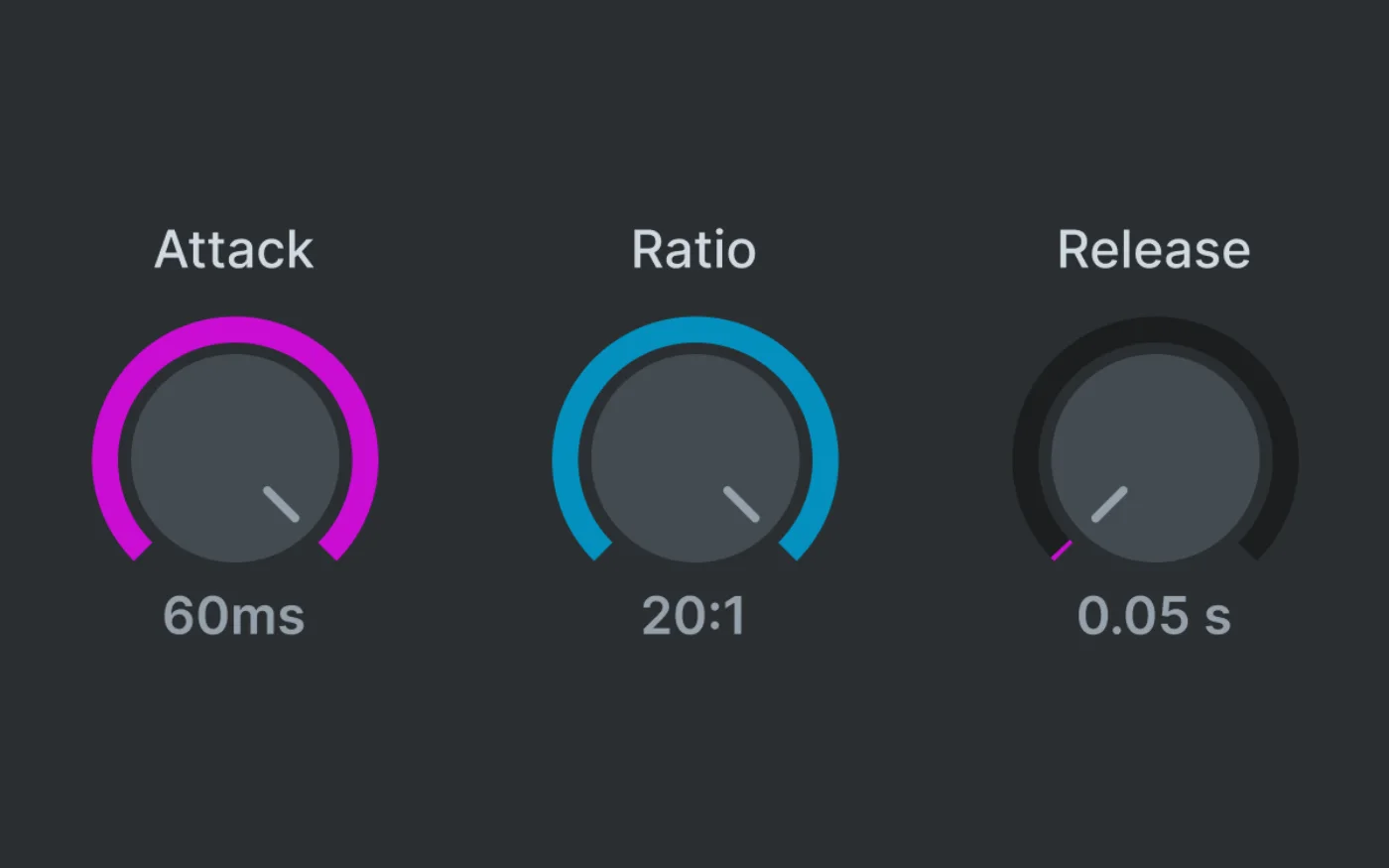
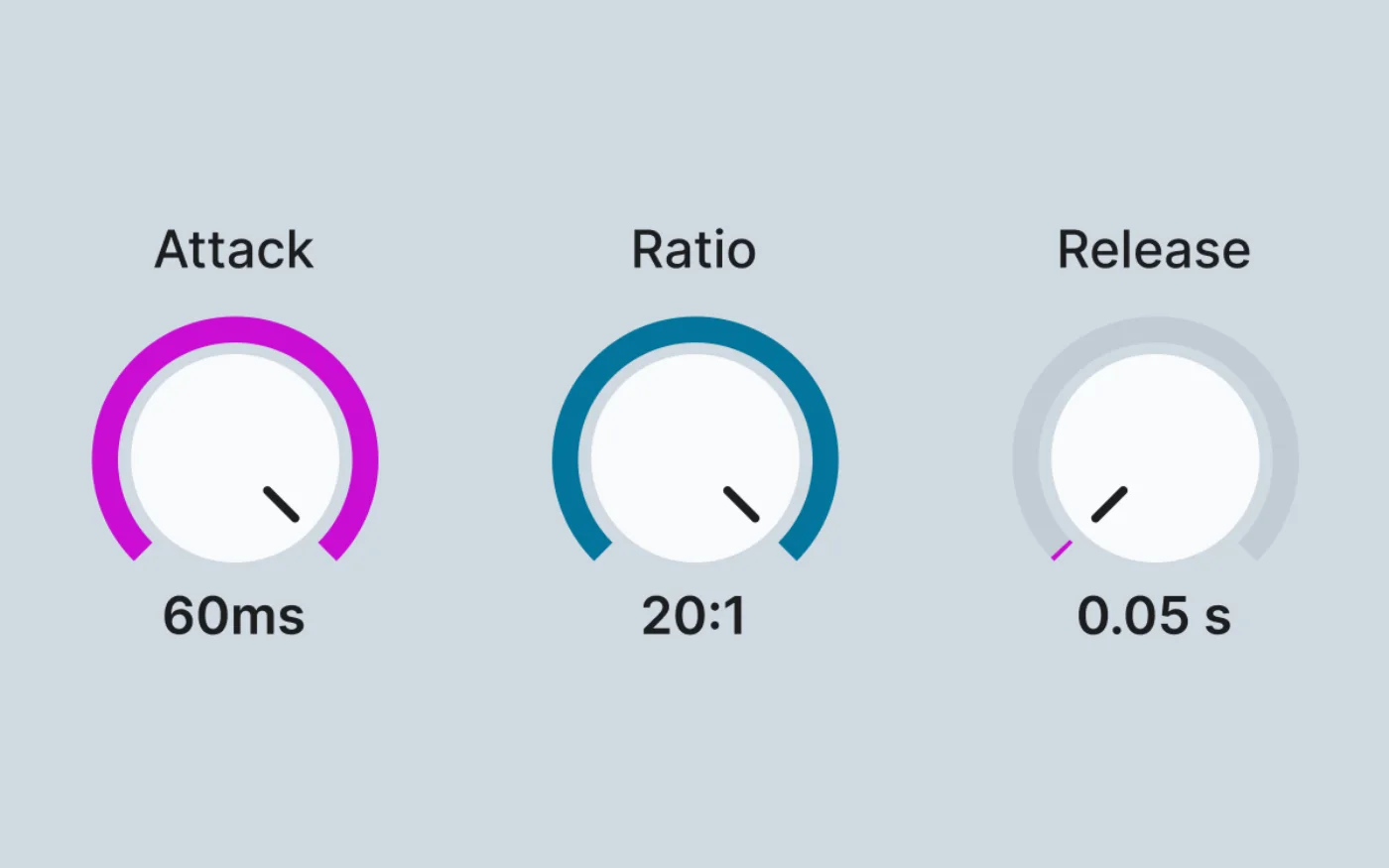
Keep a light touch on the main bus, or push harder for movement. Expanded attack, ratio and release choices give you room to shape the response, with Auto release that adapts to the material.

  • Attack 0.01–60 ms · Ratio 1.5:1–20:1
  • Release 0.05–2 s + Auto
  • Lookahead 0 / 1 / 3 / 10 ms · Delta monitoring

Keep the life.

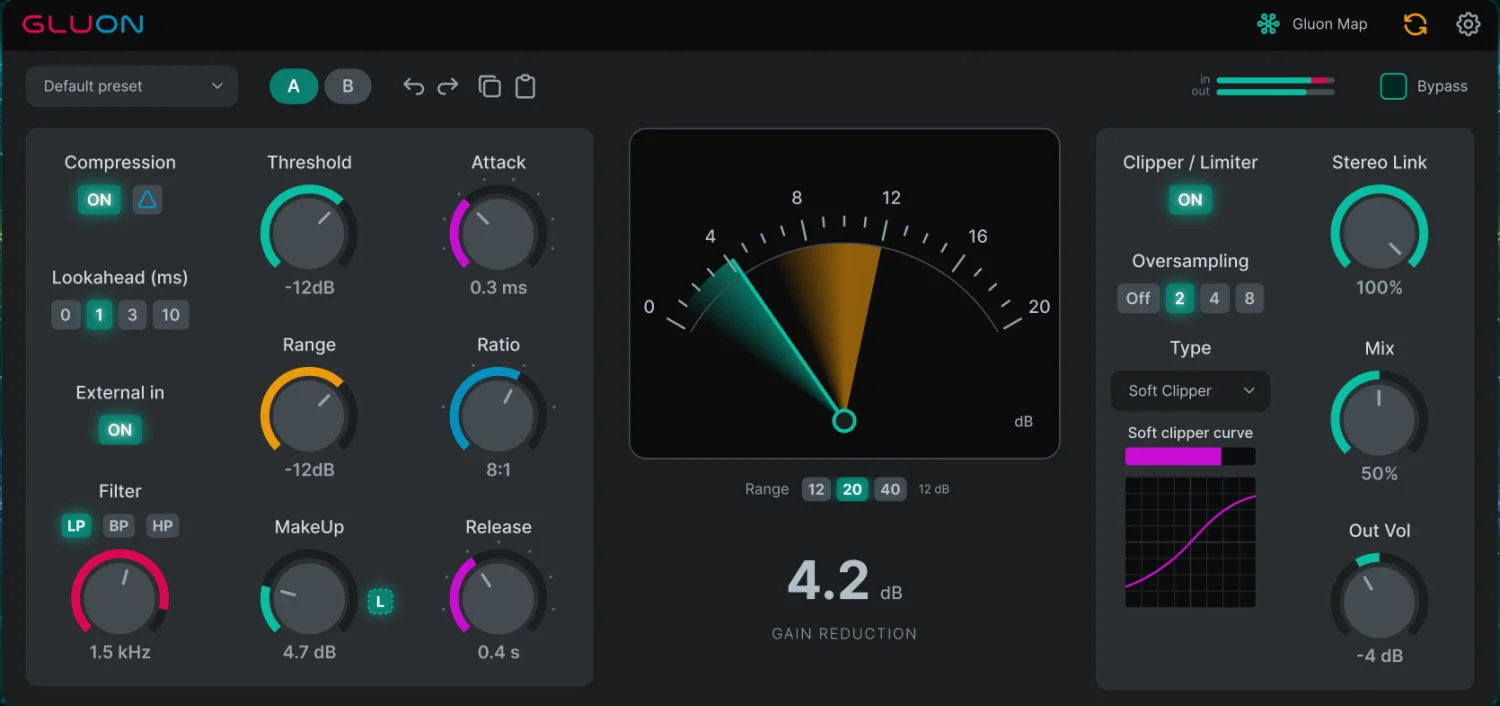
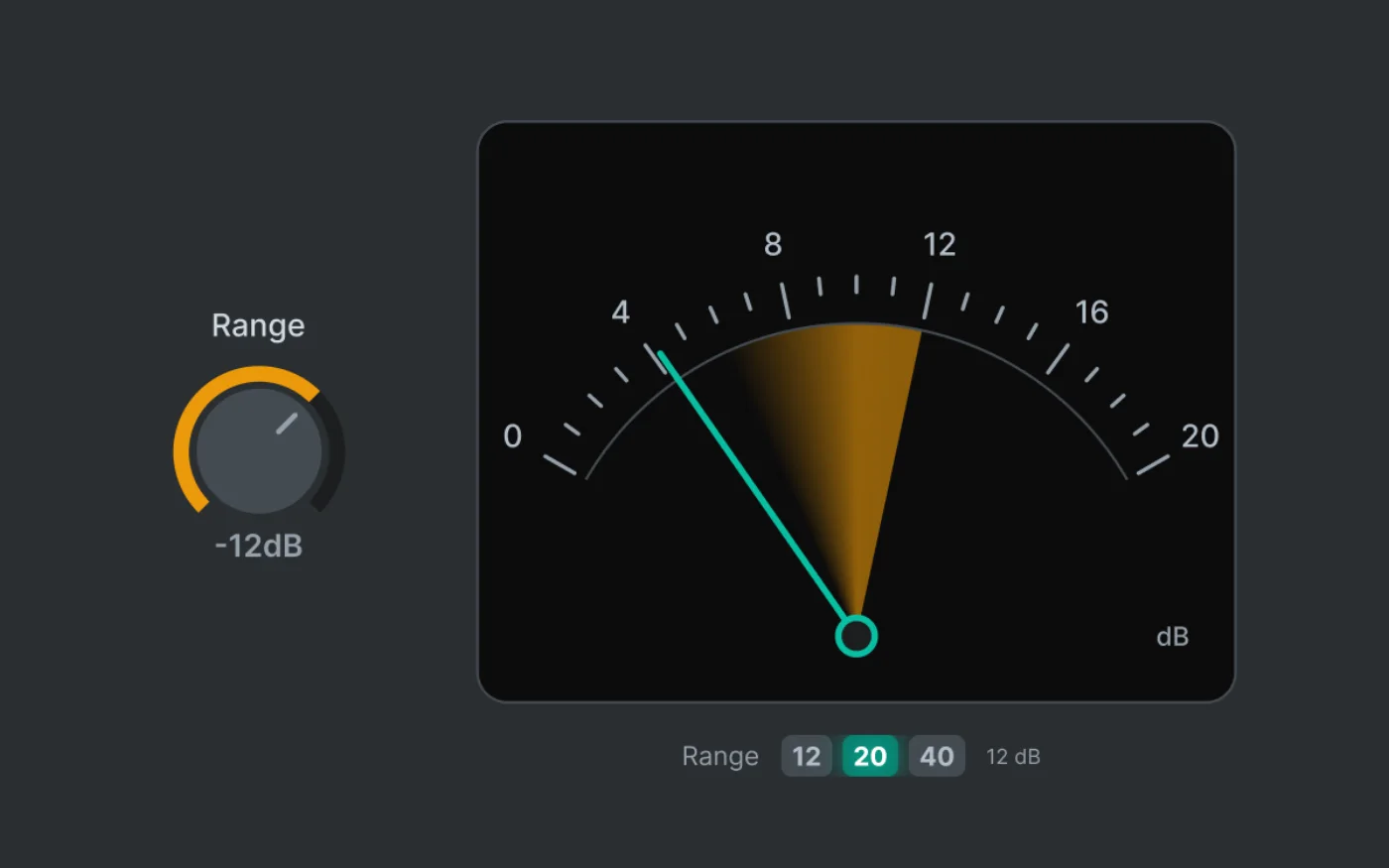
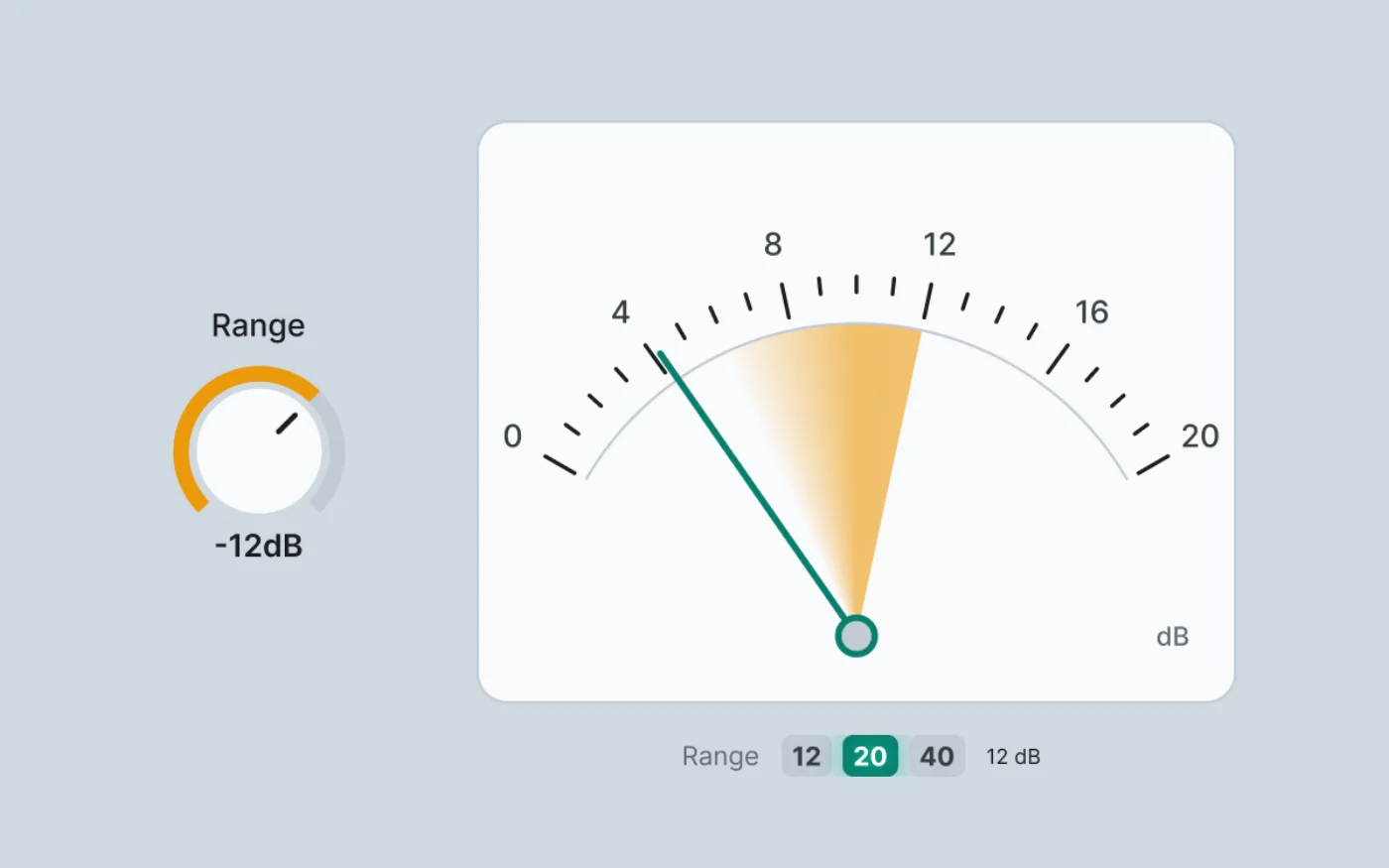
Use Range to rein in the compression without starting over with Threshold, Ratio or timing. The gain-reduction needle and numeric readout keep the action visible while you listen.

  • Switchable 12 / 20 / 40 dB meter scales

Add tube character.

Switch on Vintage Mode for tube-inspired compression: colour that grows with gain reduction and a wide, soft knee. Set the amount of colour with Bias. Automatic loudness compensation keeps the level close, so you compare character, not volume.

  • Bias from subtle warmth to obvious saturation
  • Works with Compression off
  • Vintage mode now supports 2× and 4× Online oversampling.

Give peaks another shape.

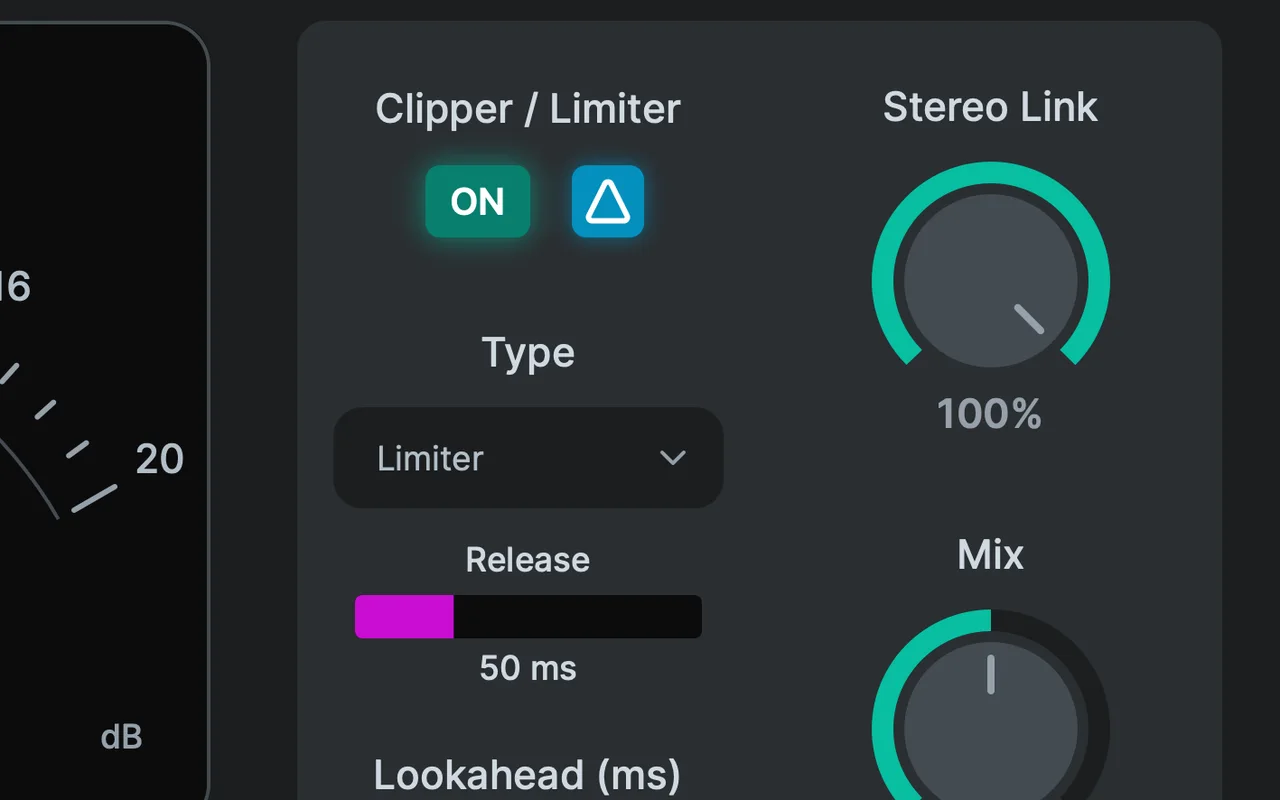
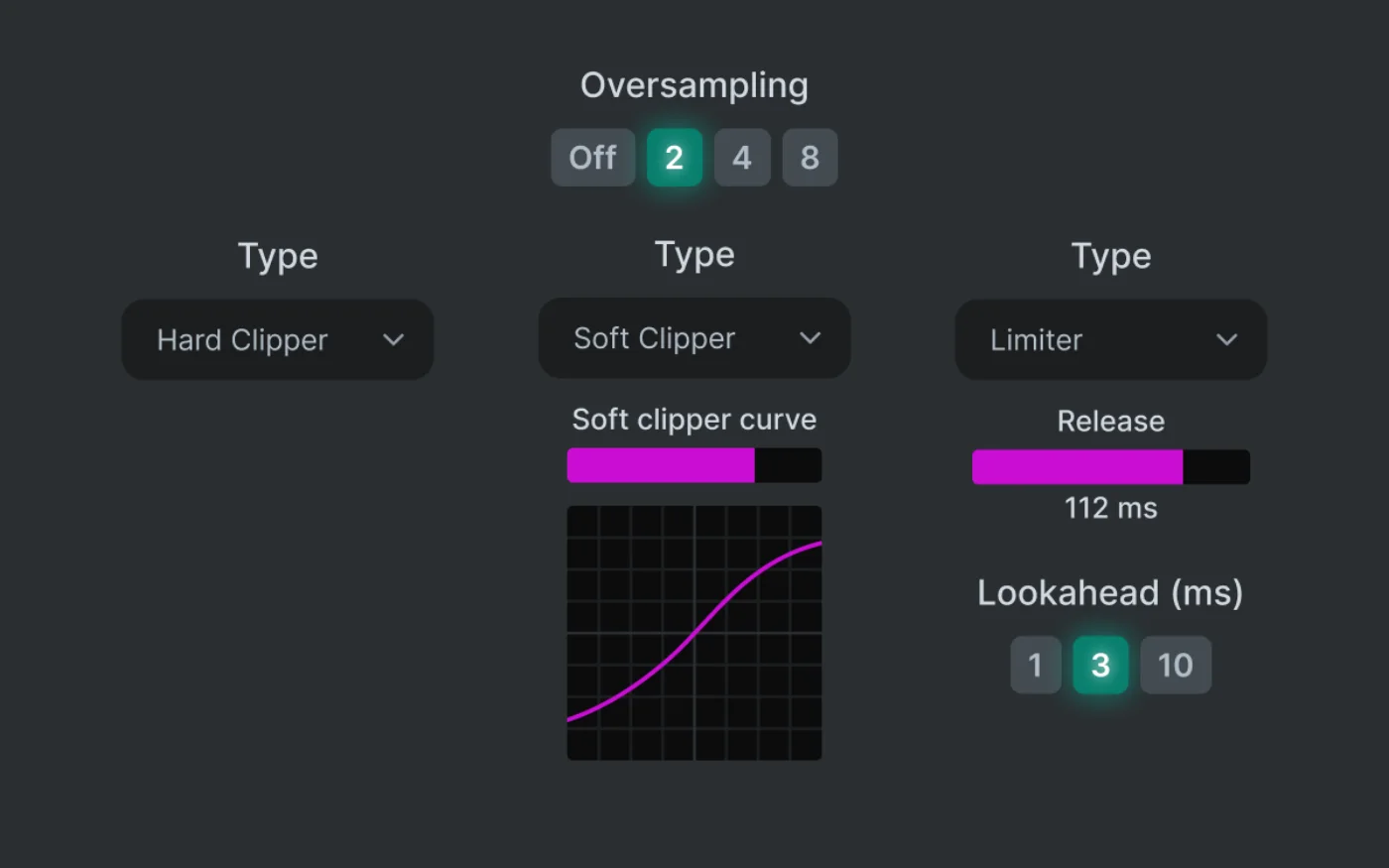
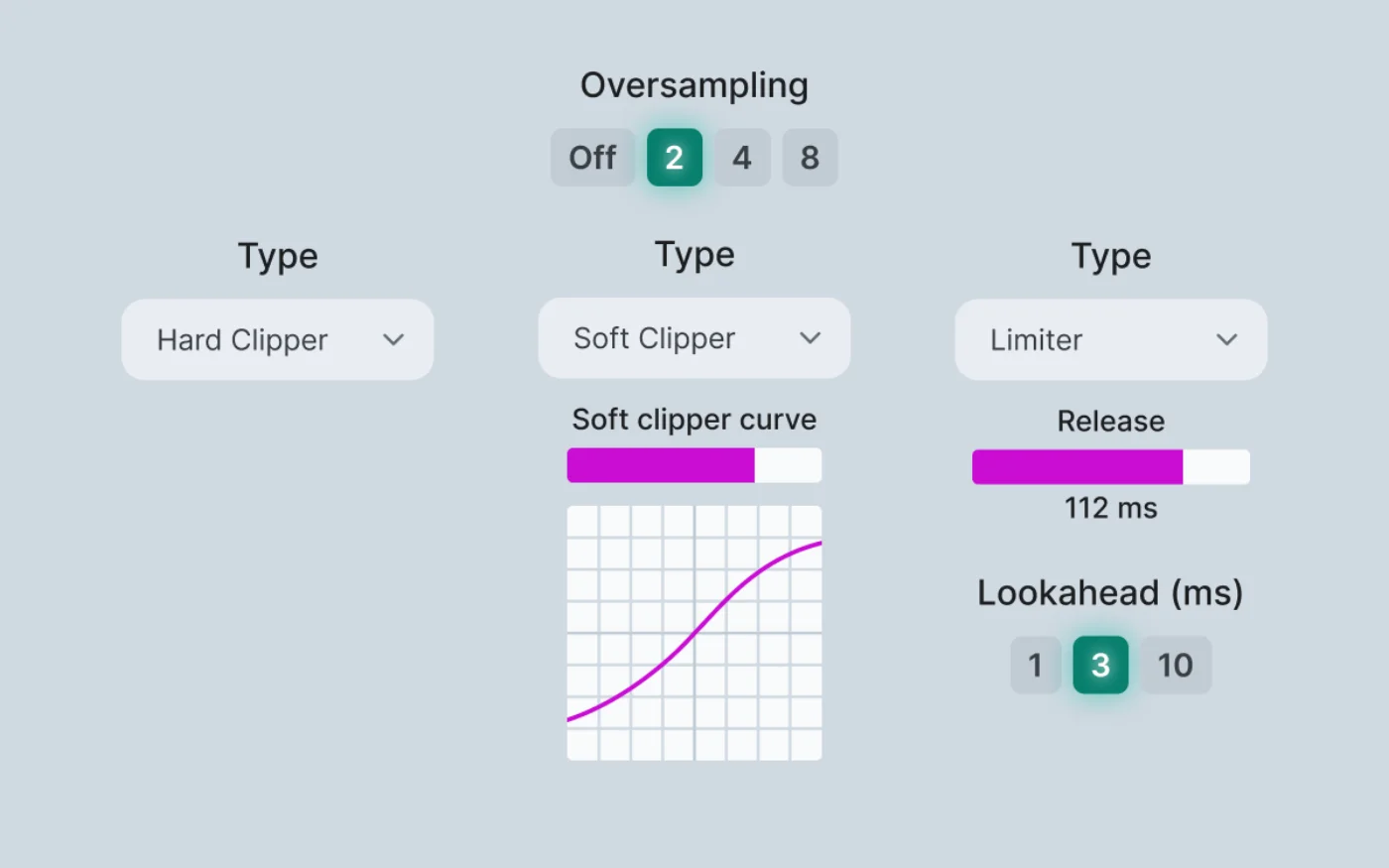
Choose Hard Clipper, Soft Clipper or Limiter after the compressor and Mix. Enable the output stage on its own, even with compression switched off, then set the final level with Out Volume.

  • Morph the Soft Clip curve
  • Limiter Release 5–150 ms or Auto · lookahead 1 / 3 / 10 ms
  • Output Delta: hear only what the clipper or limiter changes

Judge the change. Not the gain.

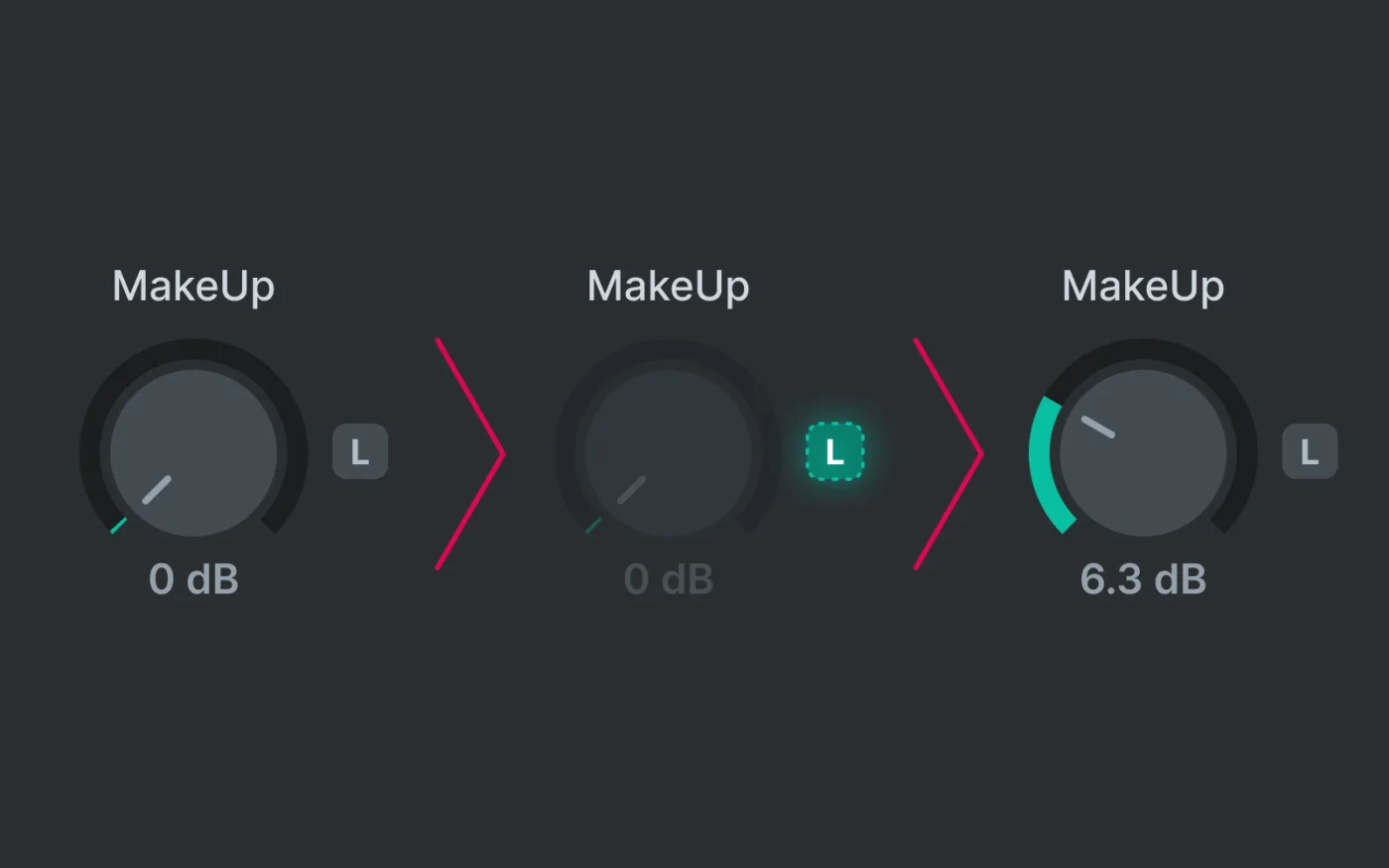
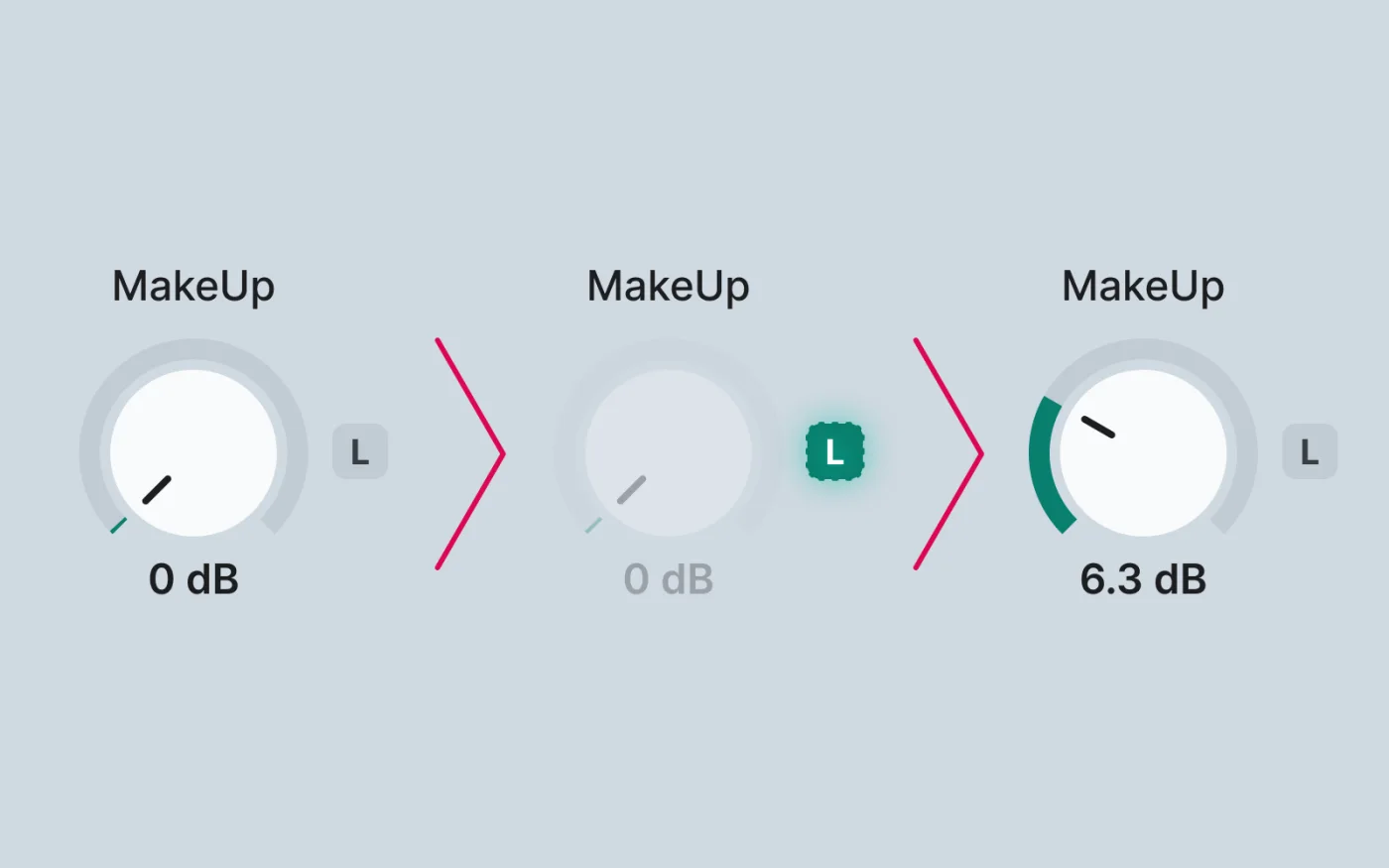
Press L and play ten seconds of your material. Gluon compares the input with the compressed blend and sets a fixed MakeUp value to bring their perceived levels closer.

  • The gain then stays put, so you can fine-tune by ear
  • A one-shot measurement, taken before the output clipper or limiter

Less setup. More listening.

Start with a factory preset, compare two ideas, undo a change, or carry settings to another instance.

  • Factory and user presets, and your own default for new instances
  • A/B, Undo/Redo and Copy/Paste
  • Online and Offline oversampling: Off / 2× / 4× / 8× / 16×
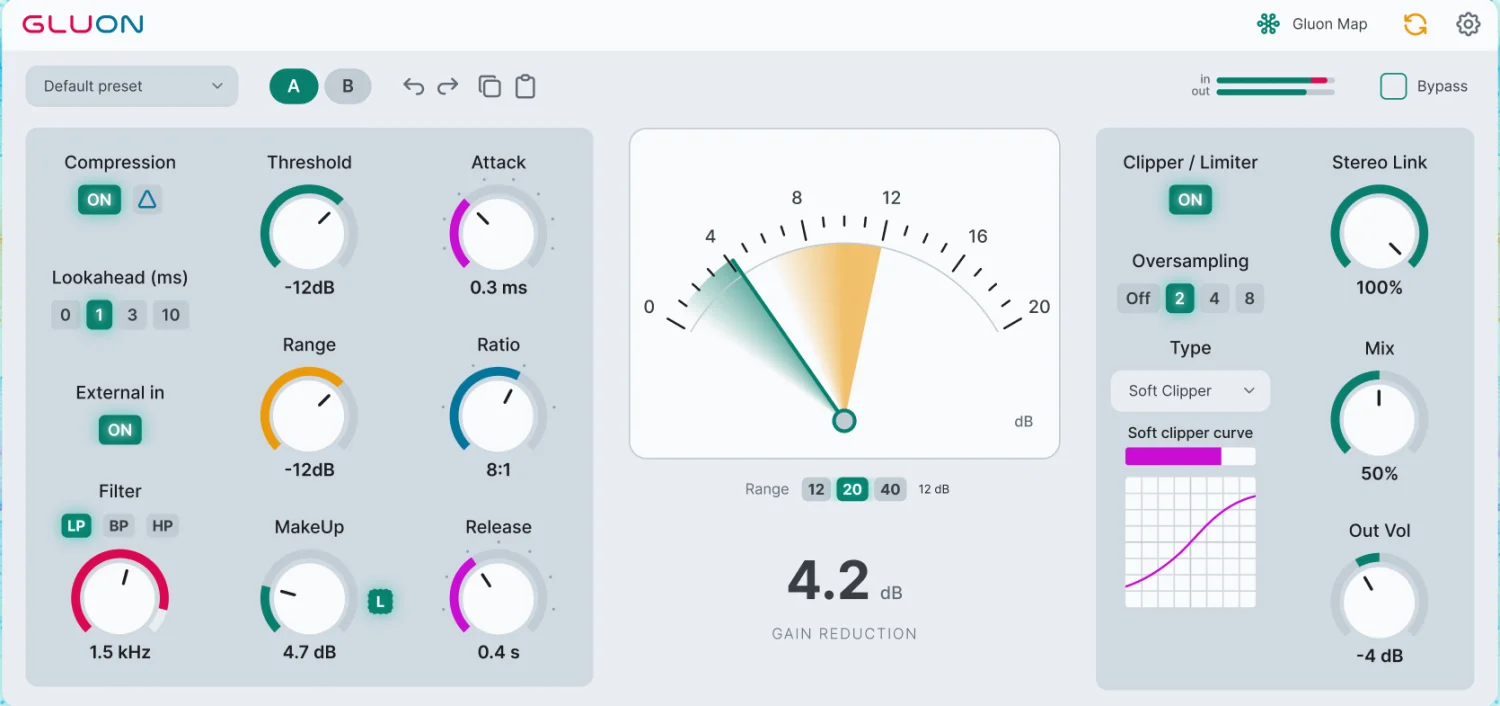
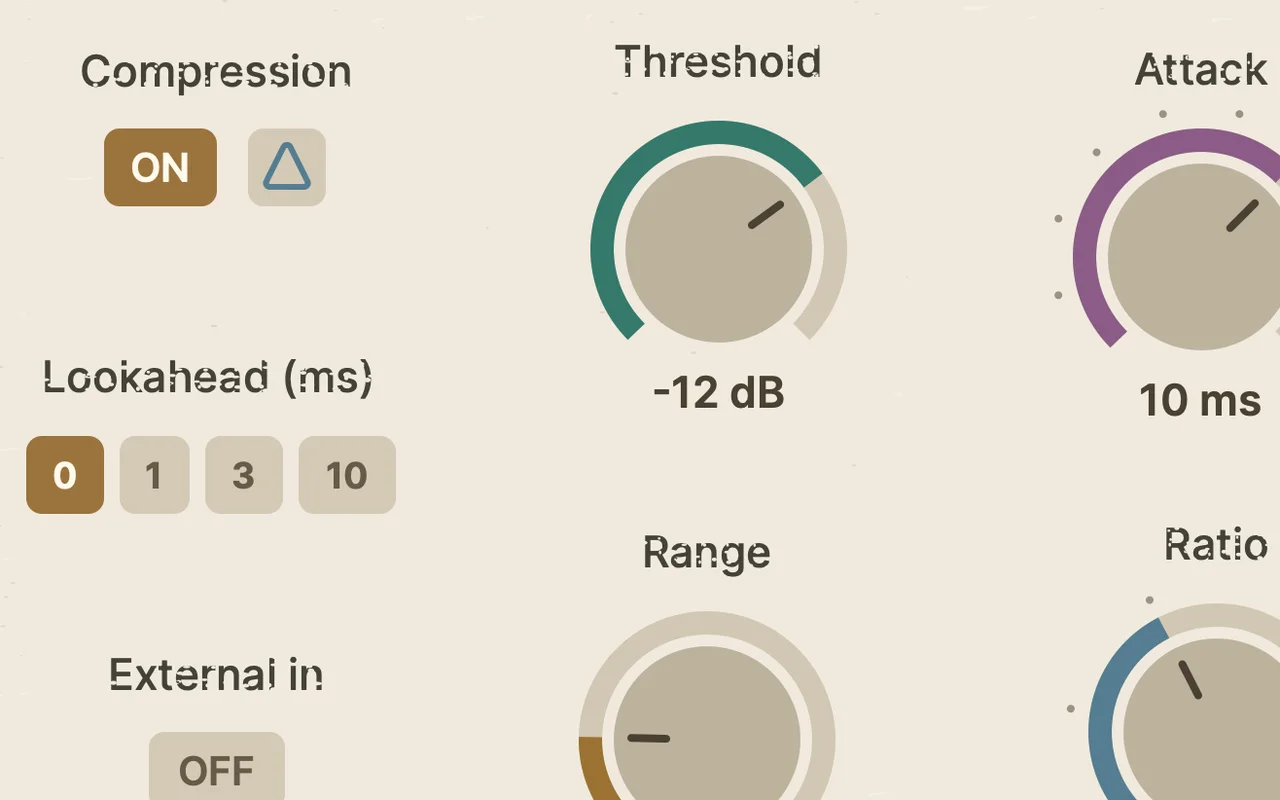
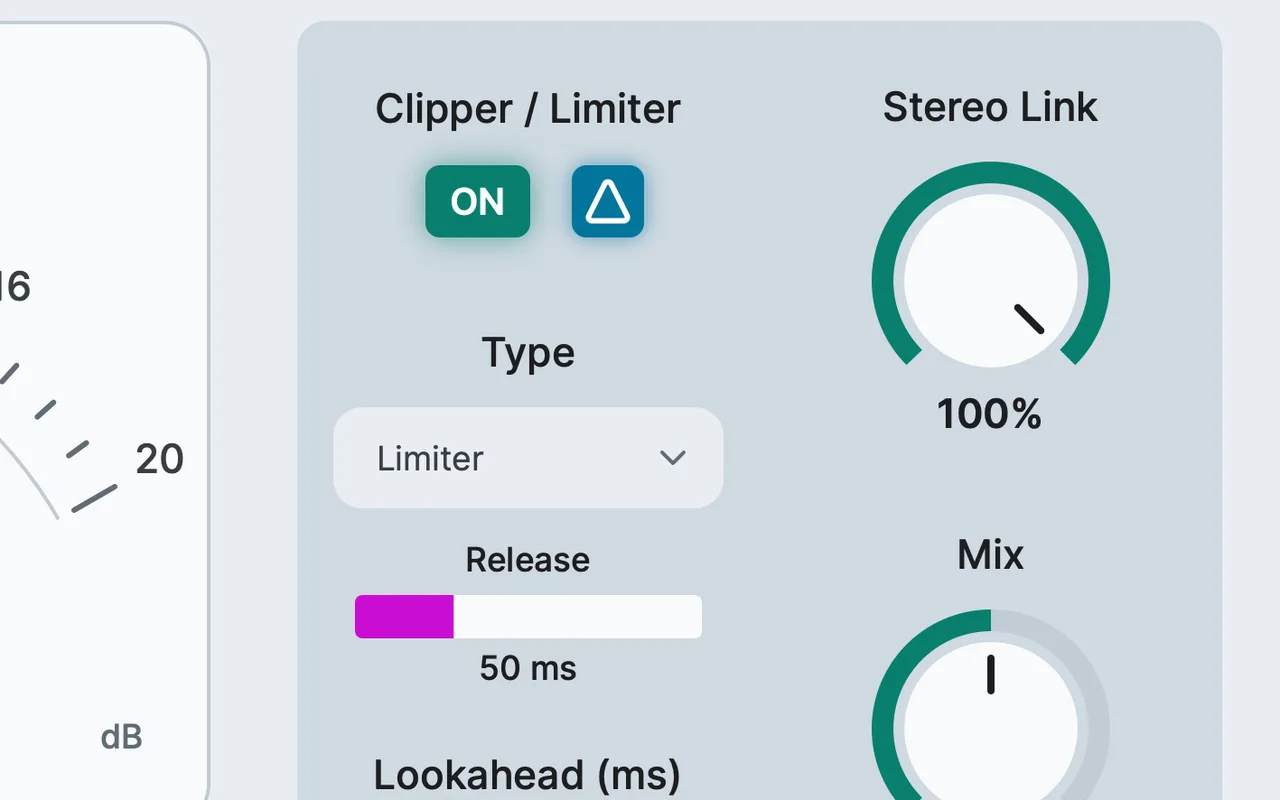
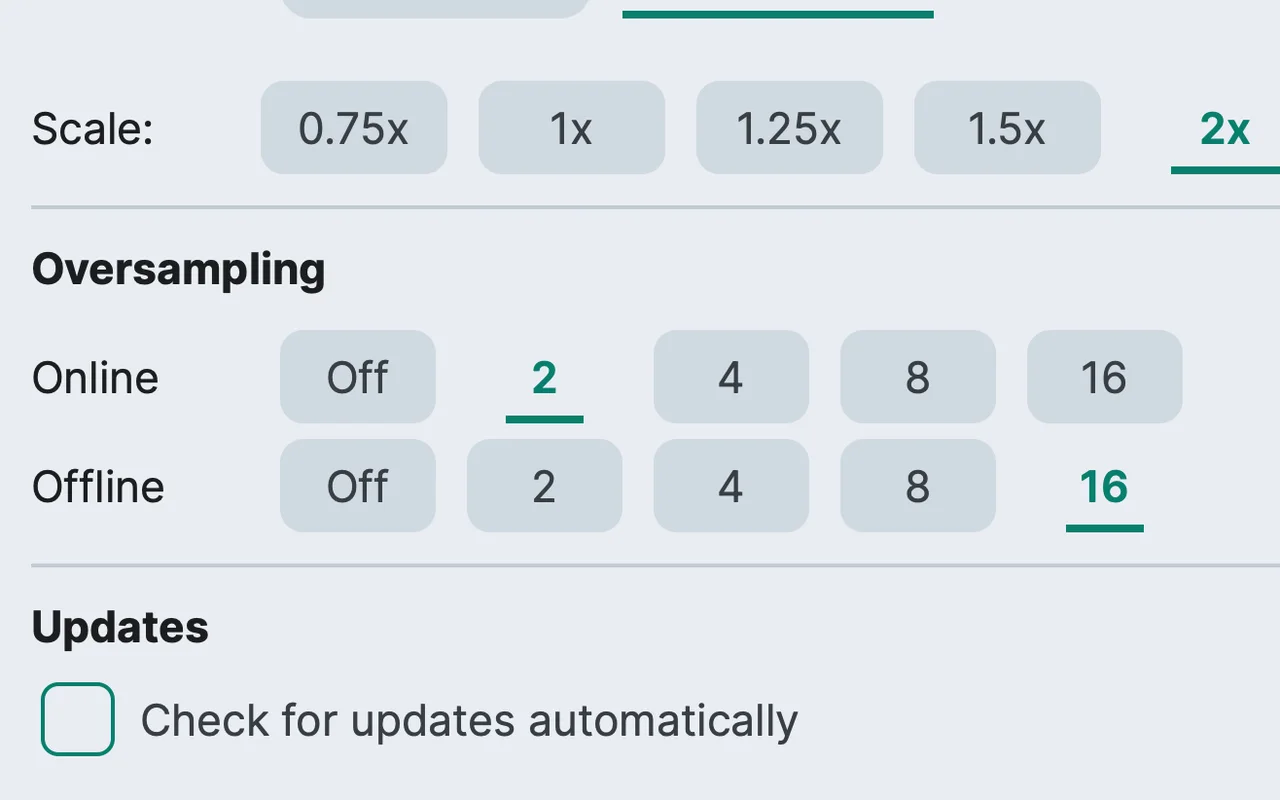
  • Dark / Light themes and 0.75×–2× scaling
  • Optional update checks, off by default

The nClear Audio Standard

Passes all six rules.

What the standard is
Gluon · version 1.2.1Revision 1 · 6 of 6
  1. 01Own the software

    Separate installers for macOS, Windows and Linux. No manager app, no activation, no paid feature locks.

  2. 02Work offline

    Nothing to activate, so nothing needs a connection. Update checks are optional and off by default.

  3. 03Open old projects

    Versions 1.1 and 1.2 added new controls without changing old sessions: Vintage Mode is off by default, and existing settings keep their limiter release, Soft Clip curve and oversampling.

  4. 04Take your work with you

    Factory and user presets, Copy/Paste between instances, and your own default for new ones.

  5. 05Compare honestly

    MakeUp Learn matches perceived level before you judge; A/B, Delta monitoring and bypass do the rest.

  6. 06Control the quality

    Online and Offline oversampling from Off to 16×, and interface scaling from 0.75× to 2×.

Technical information

macOS
Universal. Intel macOS 10.13+, Apple Silicon macOS 11.0+. VST3, AU, CLAP.
Windows
Windows 10/11 x64. VST3, CLAP.
Linux
x64, Ubuntu 24.04 build baseline. VST3, LV2, CLAP.
DAWs
Compatibility is experimental. Mono and stereo, optional external sidechain.
Licence
Free.

Changelog

1.2.1
  • Reduced CPU usage with oversampling, in bypass and at very low signal levels. Vintage mode now supports 2× and 4× Online oversampling. The header menu now shows both Online and Offline oversampling settings.
  • The selected preset name is preserved when you reopen the plug-in or turn the device off and on. An asterisk marks edited settings and disappears when you restore the original values.
1.2.0 ·
  • Added Vintage Mode with Bias: tube-inspired compression with colour that follows gain reduction and a wide variable-mu-style knee, adjustable from subtle warmth to obvious saturation, with automatic loudness compensation and a warm interface.
  • Added Output Delta: hear only what the Hard Clipper, Soft Clipper or Limiter changes.
  • Added separate Online and Offline oversampling for the whole plugin, up to 16×, in Settings.
  • Gluon’s Bypass, in the plugin and in Gluon Map, is now separate from the DAW’s plugin on/off button, and Gluon Map marks instances switched off in the DAW as “Off in DAW”. In projects saved with 1.1, an instance that was bypassed or switched off in the DAW stays bypassed: switch it on in the DAW and turn off Bypass in Gluon.
  • Existing projects and presets keep their sound: Vintage Mode is off by default.
1.1.1 · macOS
  • Lowered the macOS build minimum to Intel macOS 10.13 and Apple Silicon macOS 11.0.
  • Small improvements.
1.1.0
  • Redesigned the interface with a clearer Sidechain, Gain, Timing and Output layout.
  • Added an adjustable Soft Clip curve with five smoothly blended shapes and a live transfer graph.
  • Added Limiter Release from 5 to 150 ms and an adaptive Auto mode.
  • Added independent lookahead for the compressor and limiter, with latency reported to the DAW.
  • Added Delta monitoring and a separate Out Volume control.
  • Expanded Gluon Map to fill the editor, with per-instance MakeUp Learn.

Good to know

Gluon Map compatibility

Map connects instances of the same Gluon plugin module running in the same host process. Different plugin formats or instances isolated in separate sandbox processes may not see each other. If your DAW opens several projects in one process, Map can show instances from more than one project.

What Map does and does not do

Track names depend on what the host provides. Remote controls and meters work even when the other plugin windows are closed. Map is control communication; it does not route audio between tracks.

Latency

Compressor lookahead, output mode, limiter lookahead, oversampling and Vintage Mode affect latency. Hard or Soft Clip with oversampling Off, compressor lookahead at 0 and Vintage Mode off gives zero plugin latency. Vintage mode now supports 2× and 4× Online oversampling.

Get Gluon

Enter your email. Your download page opens immediately and we also send the link to your inbox.